LESSON 13 · Your workspace
Style & Terminology
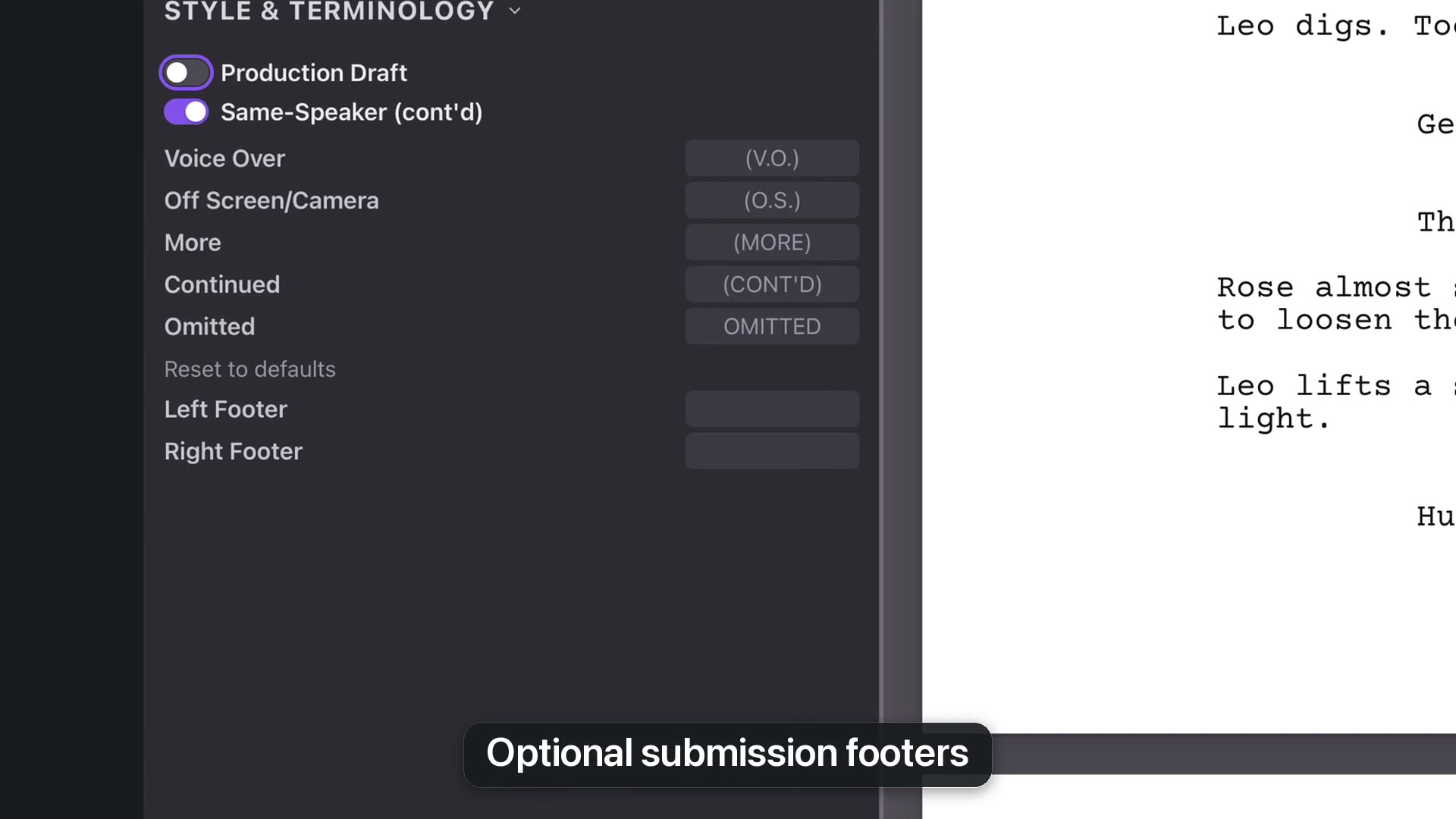
Control the standard terms that appear in screenplay cues, page continuations and optional footers.
1:55 · 1080p · Captions available · Playback starts only when you choose Play.
Continued dialogue and standard words
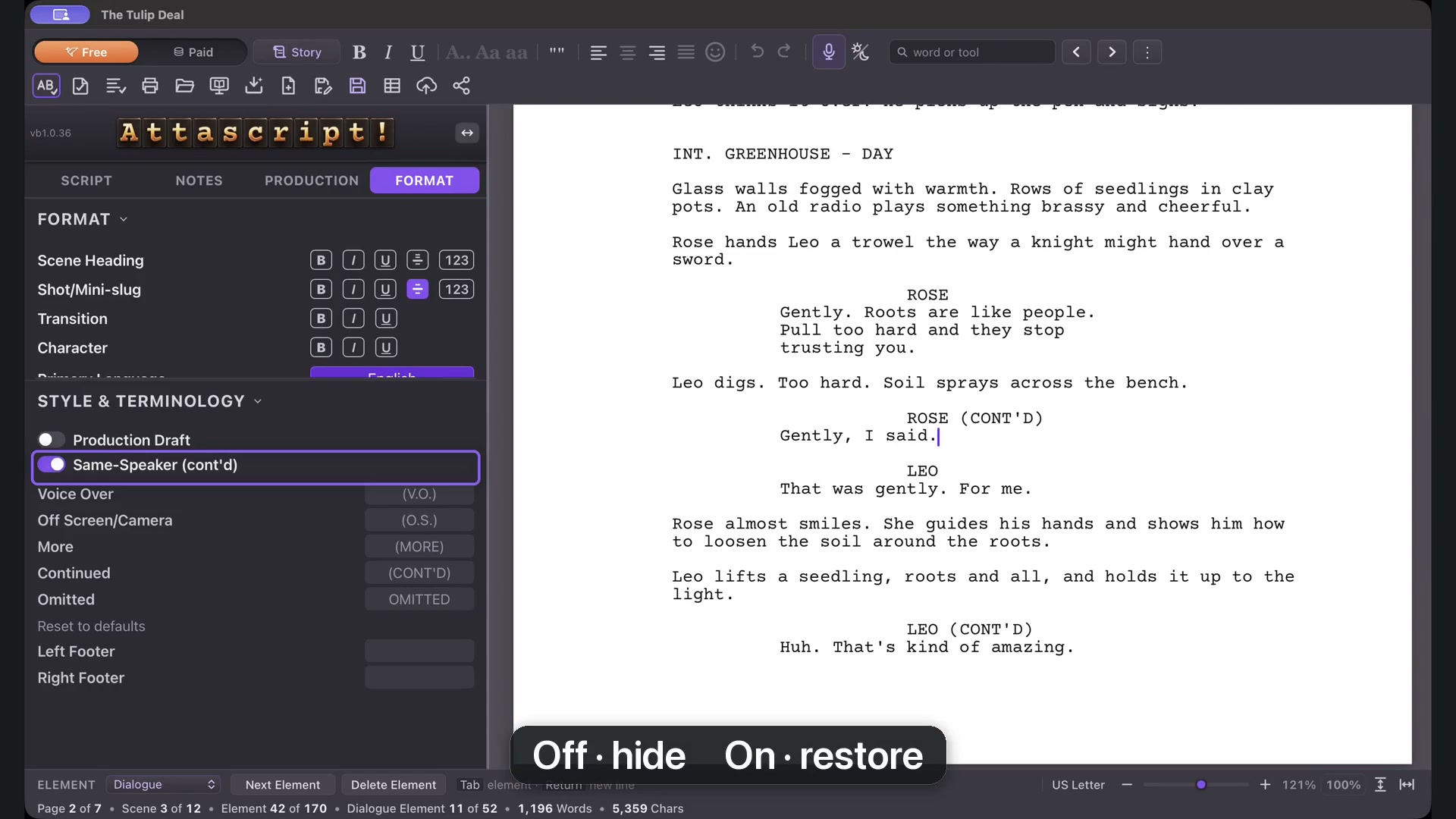
Same-Speaker Continued adds a continued cue when a character speaks again after Action. Turn it off or on to match the style you want.
Edit standard terms when your preferred wording differs from the default—for example, an off-camera abbreviation instead of off-screen. Reset to defaults restores the profile’s standard terms.
Production Draft
Enable Production Draft to keep scene numbers visible. While it is active, the scene-number control stays on; turn Production Draft off before hiding scene numbers again.
Scene Continued Bottom and Top control the markers where a scene crosses a page boundary. They are distinct from the More and Continued terms used when a speech crosses pages. Check the intended marker before editing its wording.