

LESSON 25 · Develop your story
Poster
Give the screenplay a visual introduction and keep the finished poster with the project.
2:11 · 1080p · Captions available · Playback starts only when you choose Play.
Create or view a poster
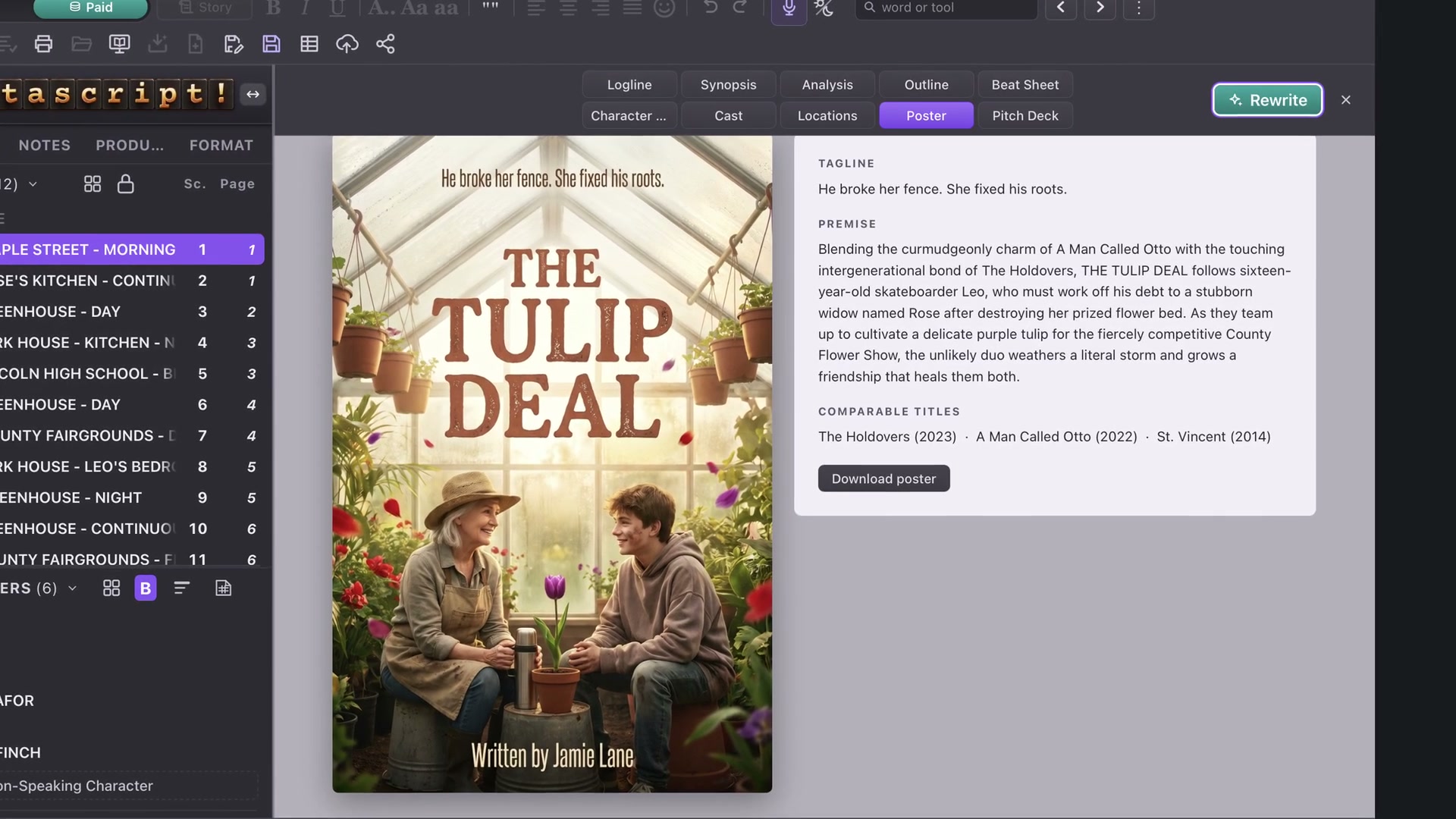
Open Story, then Poster. Creating or repainting the artwork requires Paid mode. Once a poster has been saved, you can still view and download it in Free mode.
The page also provides a premise and comparable titles to communicate tone and audience. Read those descriptions and comparisons before using them in a pitch.
Choose the lettering
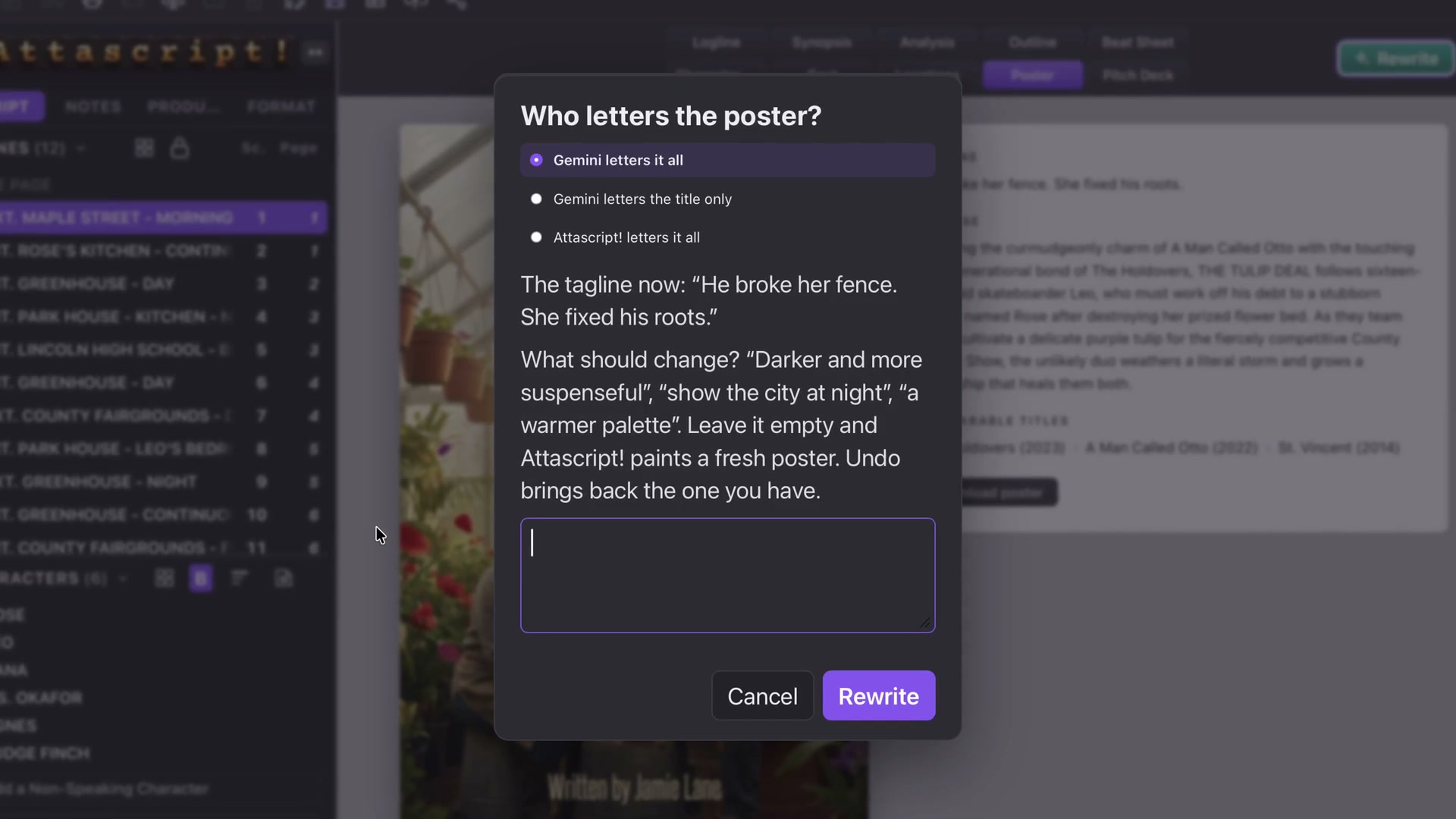
Rewrite lets you decide whether Gemini letters everything, only the title, or whether Attascript handles all lettering. Then describe the change you want, such as warmer, more golden light.
Read the title, tagline and writing credit carefully in the finished picture. Attractive artwork still needs accurate lettering. Cancel a rewrite when you prefer to retain the existing image.
Download or print
Download poster opens the Save panel. Choose its name and destination. Printing from Story offers the Story elements list with Poster and Include images. To include the artwork with a screenplay delivery, return to the screenplay’s Print choices and select Poster there.
Use it as the deck cover
The poster is the prerequisite for Pitch Deck. Once it exists, the deck can use it as the cover together with the screenplay’s text and optional saved Cast and Locations images.