

LESSON 28 · Work with your screenplay
Share, back up & spreadsheets
Prepare several delivery formats, copy the project into a synced folder, and export useful production tables.
3:35 · 1080p · Captions available · Playback starts only when you choose Play.
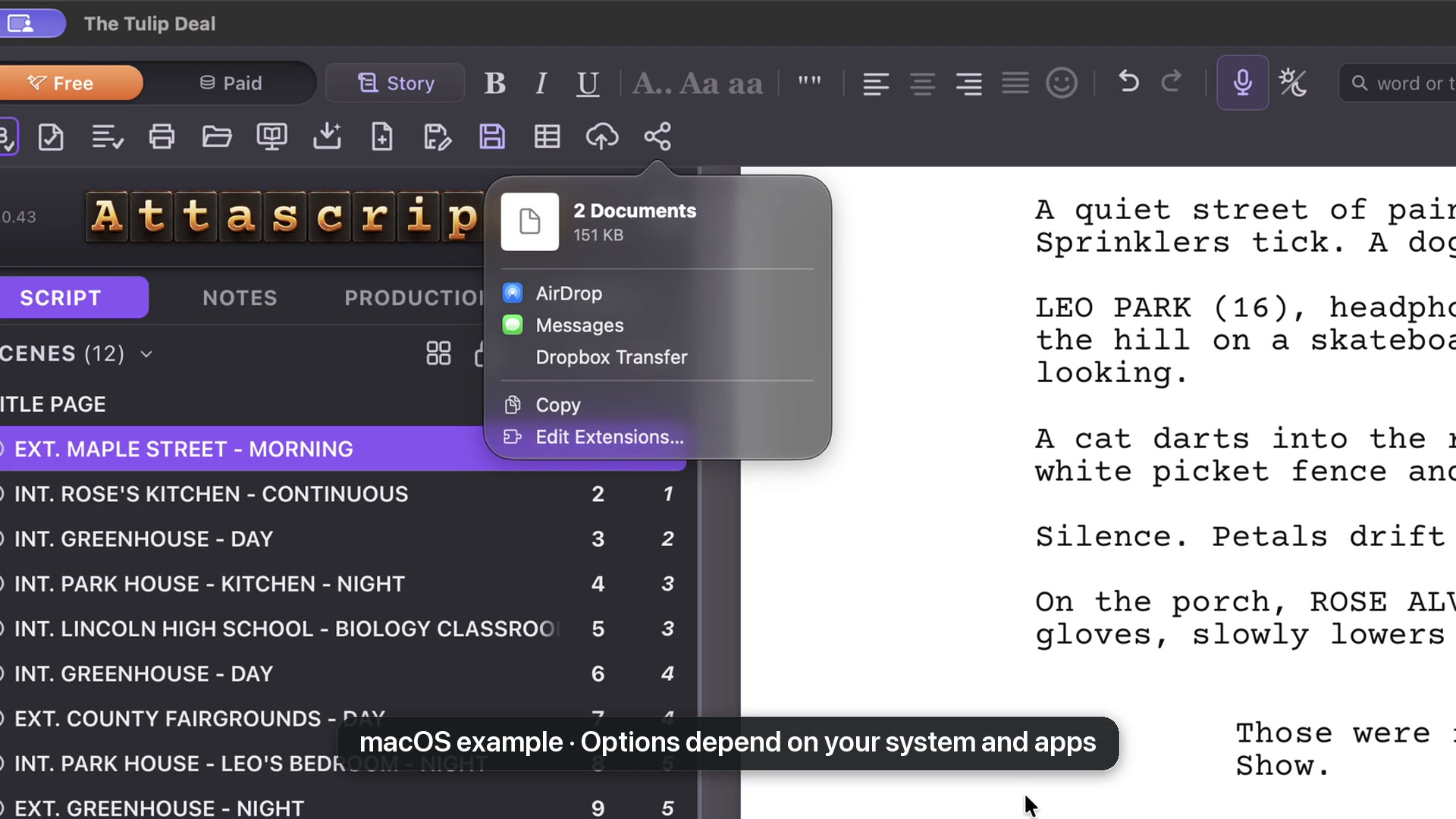
Set a backup folder
Choose Back up to your cloud folder, then Choose a Cloud Folder. Select a folder already synced by your cloud service. Attascript writes the copy; the cloud service handles synchronization.
On Every Save copies when you save. Save Every Fifteen Minutes offers a schedule. Save a Copy Now makes an immediate copy. Stop Copying to the Cloud turns off this arrangement for the project.
Select production tables
Export CSV offers tables such as Scenes, Characters, Background/Extras, Tags and Notes. Empty tables cannot be selected. Choose separate CSV files or One Excel workbook for separate sheets in one file.
Choose the columns of each table lets you specify the information included. For Scenes, you might keep headings, pages, eighths, speaking cast and background requirements.
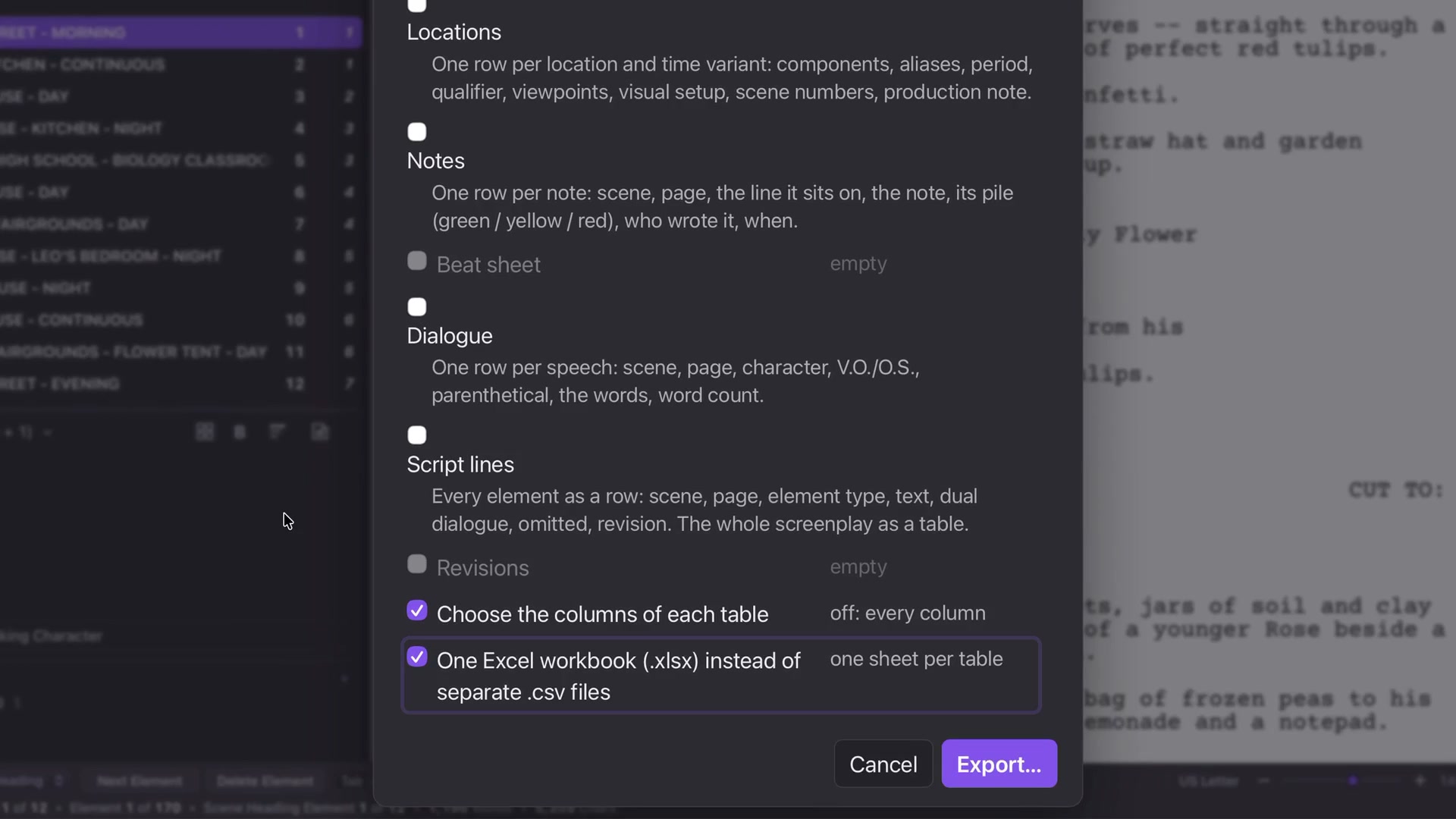
Read the export
Open the result in Excel or another compatible spreadsheet app. Inspect scene totals and quantities. Background groups stay separate from individual characters; a scene reference explains where a crowd is required.
Keep reviewing estimates against the script. A precise-looking cell is only useful when it accurately represents the source.