

LESSON 34 · Work with your screenplay
Format Review
Check screenplay conventions, fix accidental slips and keep deliberate choices.
1:29 · 1080p · Captions available · Playback starts only when you choose Play.
Open the review
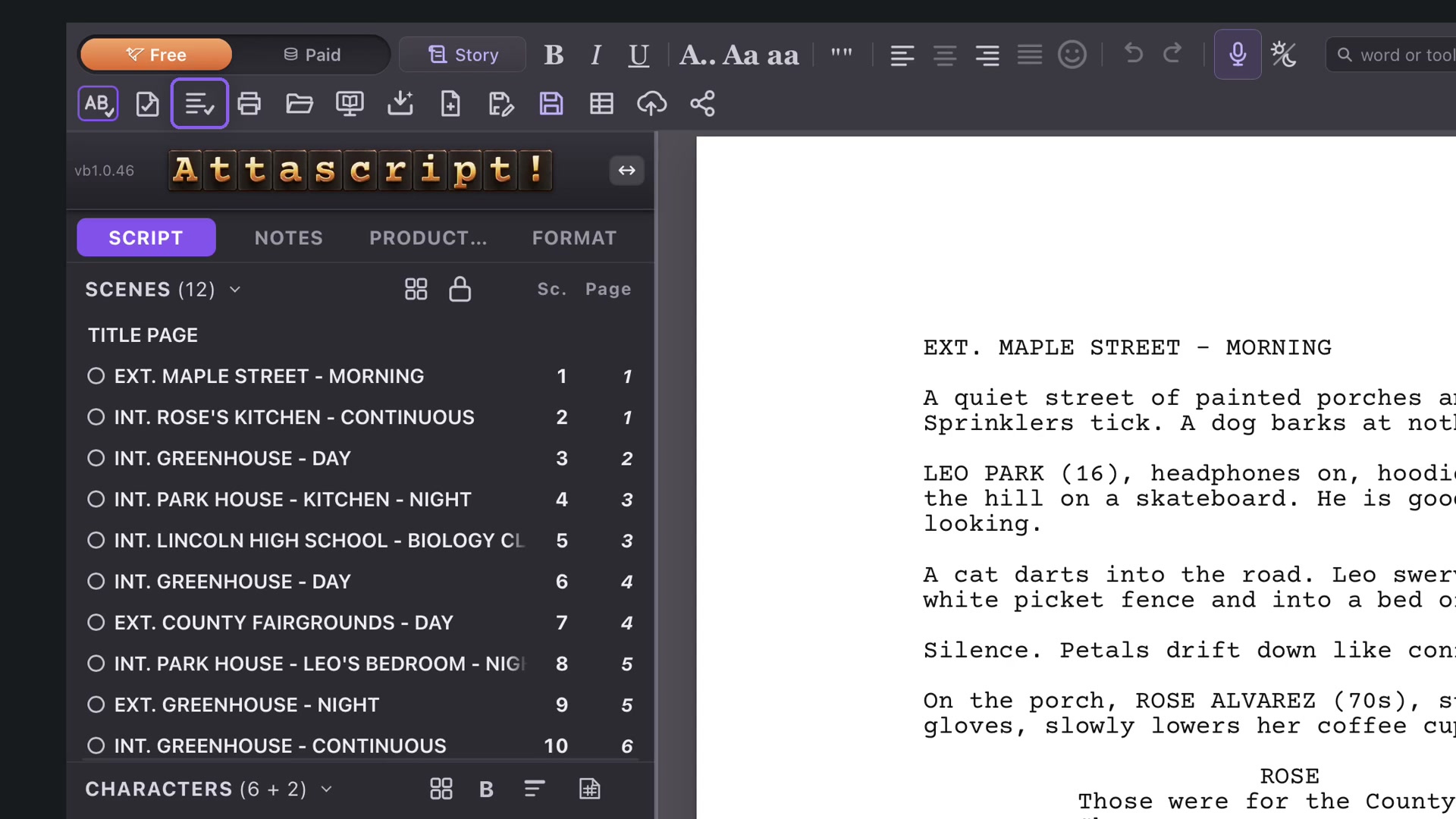
Choose Format Review in the top menu. The panel explains each issue and points to its element. Use its arrows to move among flags. The course checks a transition missing punctuation and a speaking character’s first introduction.
Fix what can be fixed directly
When Fix is available, inspect what it will change. In the example, CUT TO becomes CUT TO: with its expected ending punctuation. Read the result before moving to the next flag.
Make a manual correction
Some issues require judgment and a text edit. Close the panel, select the first character introduction in Action and use Uppercase when appropriate. Open Format Review again to verify that the issue is resolved.
Zoom or Fit to Width can help inspect the affected line; Command+2 on Mac and Ctrl+2 on Windows select Fit to Width.
Keep an intentional choice
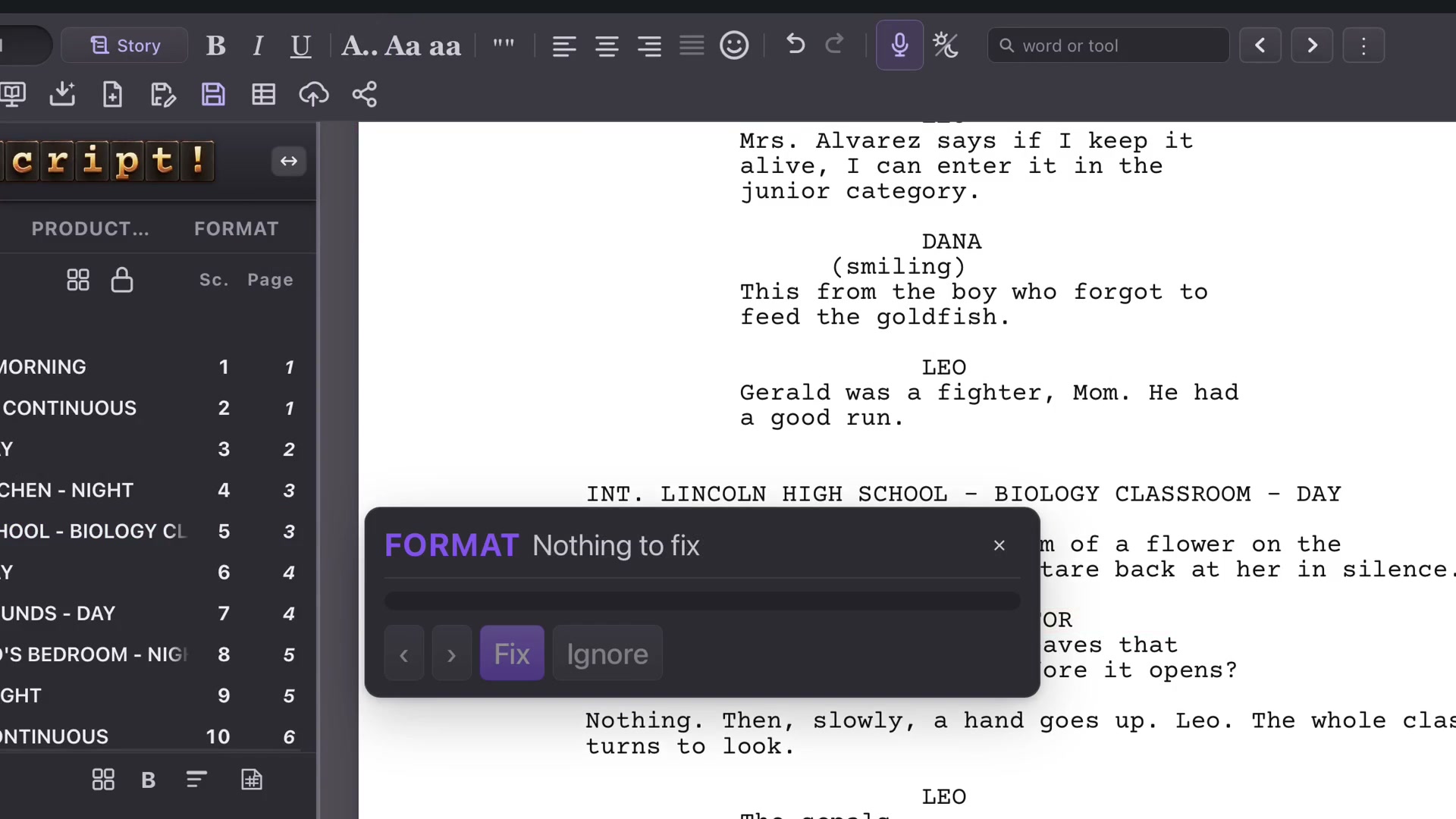
Ignore removes a flag without changing the words. Use it when the choice is deliberate and you understand the explanation. Format Review should support your decisions, not replace them. Save the corrected project before preparing a delivery.