

LESSON 08 · Your workspace
Ask The 🐵
Ask the Monkey about the screenplay, explore alternatives, and review proposed changes before applying them.
1:21 · 1080p · Captions available · Playback starts only when you choose Play.
Start a focused conversation
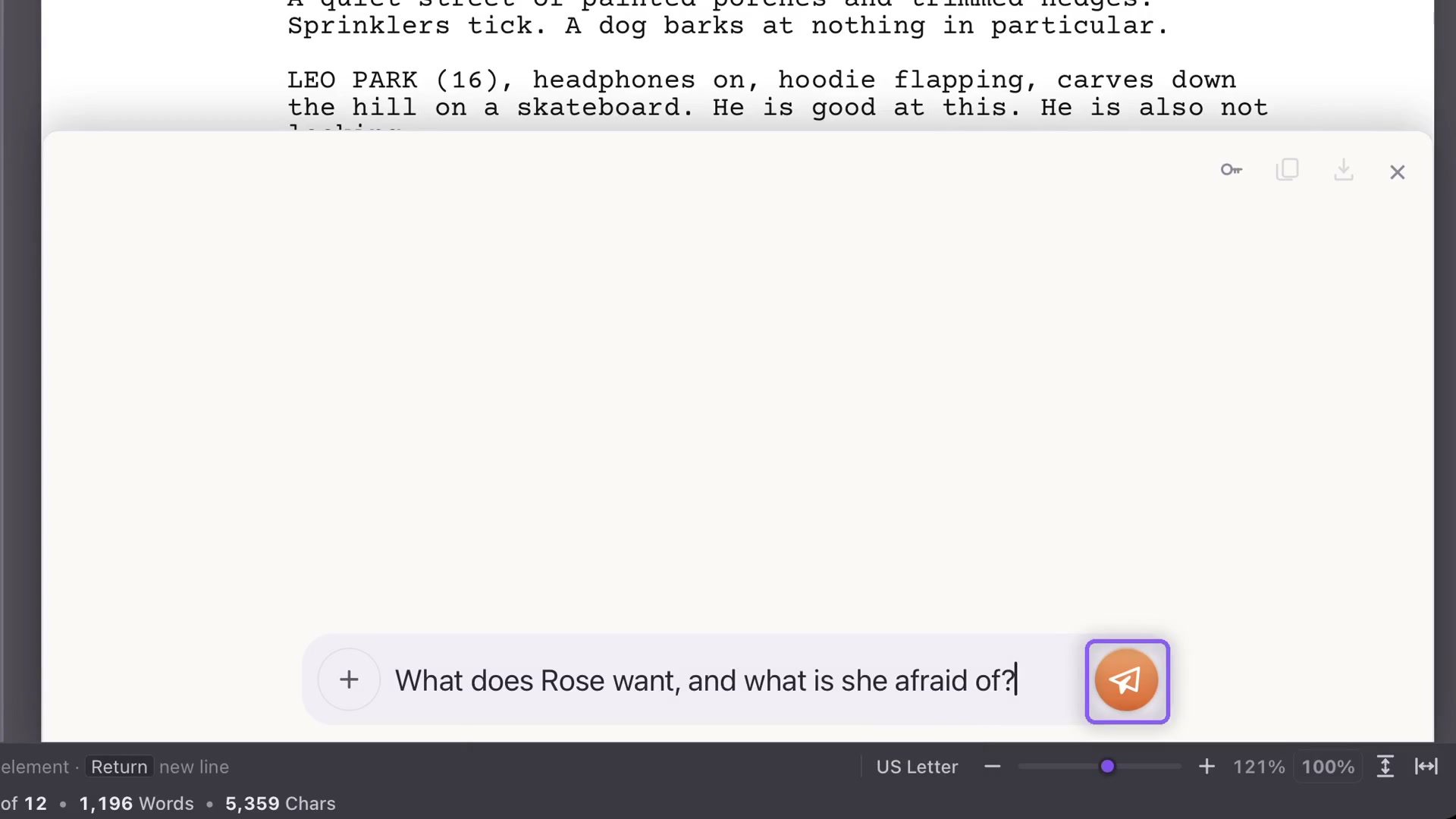
Open Notes, then New Chat. The shortcut is Shift+Command+W on Mac or Ctrl+Shift+W on Windows. Ask a specific question about your screenplay: “What does Rose want, and what is she afraid of?” is more useful than an instruction to improve everything.
Explore before changing
Ask for alternative dialogue, a structural reading or a different approach to a scene. You can compare ideas in the conversation while leaving the screenplay as it is.
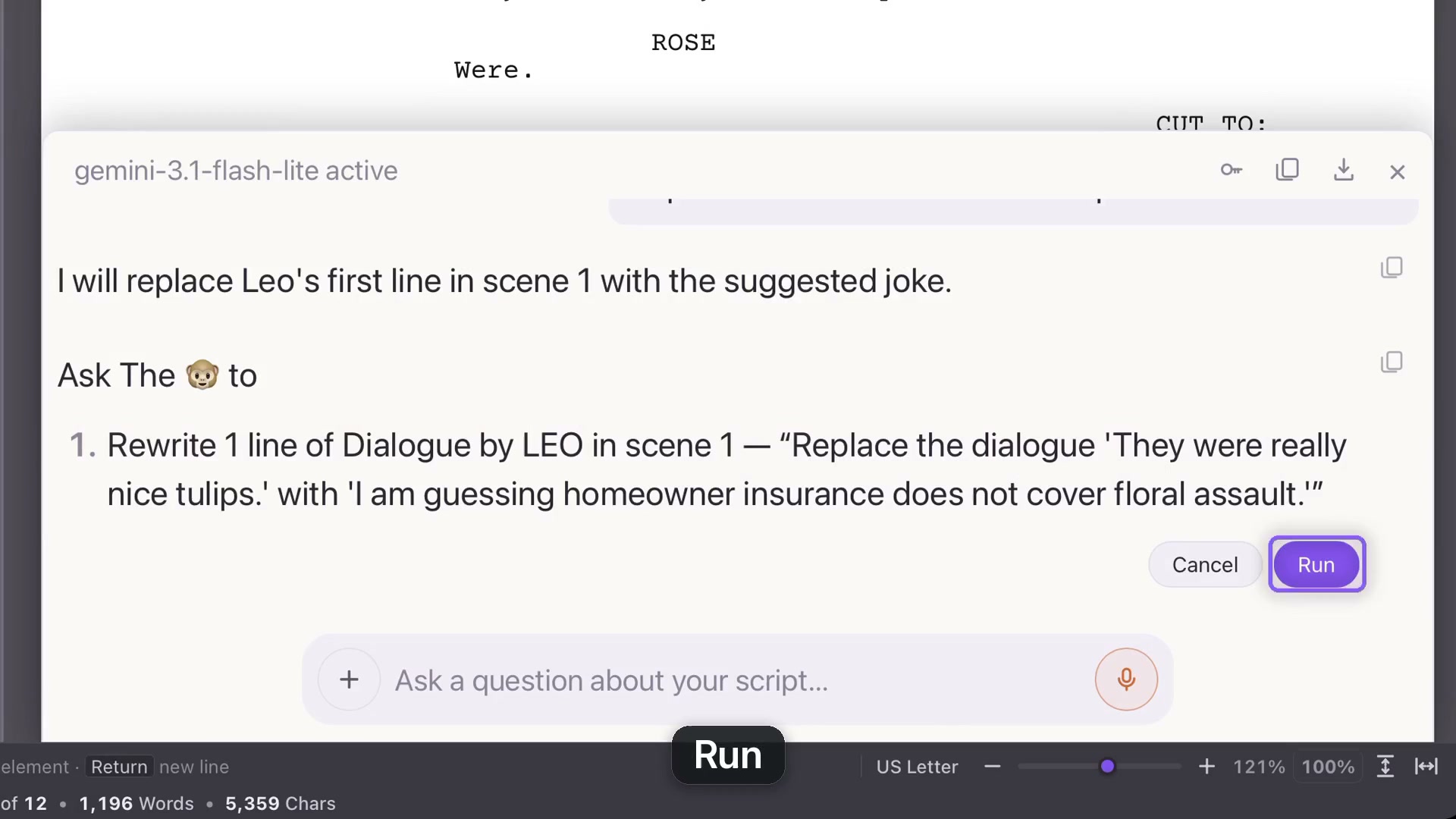
If you want the change applied, ask explicitly. For example: replace Leo’s first line with a funnier one while preserving its meaning. Review the proposed action, then choose Run when it reflects what you want.
Keep useful exchanges
Copy one reply, copy the whole conversation, or export the chat. Closing a conversation after a reply leaves it in this project’s chat list, so you can return to it. Save your project as you continue working.
Manage the connection
The key icon provides a route to replace the selected mode’s Gemini key. If you have not connected Gemini yet, follow the key-setup chapter first. Free and Paid have their own project and key setup.