

LESSON 12 · Your workspace
The Format panel
Choose the screenplay’s language, page conventions and element styling without manually rebuilding its layout.
2:27 · 1080p · Captions available · Playback starts only when you choose Play.
Style screenplay elements
The Scene Heading row offers Bold and Underline, plus heading-spacing choices. In the English example, Wide places two blank lines above a heading and one below; Medium uses one above and one below. Other profiles may follow different conventions.
The 1-2-3 control shows or hides scene numbers. Other element rows have their own bold, italic or underline controls. For an ordinary English spec script, scene numbers can remain hidden; production and some language conventions use them.
Language and regional style
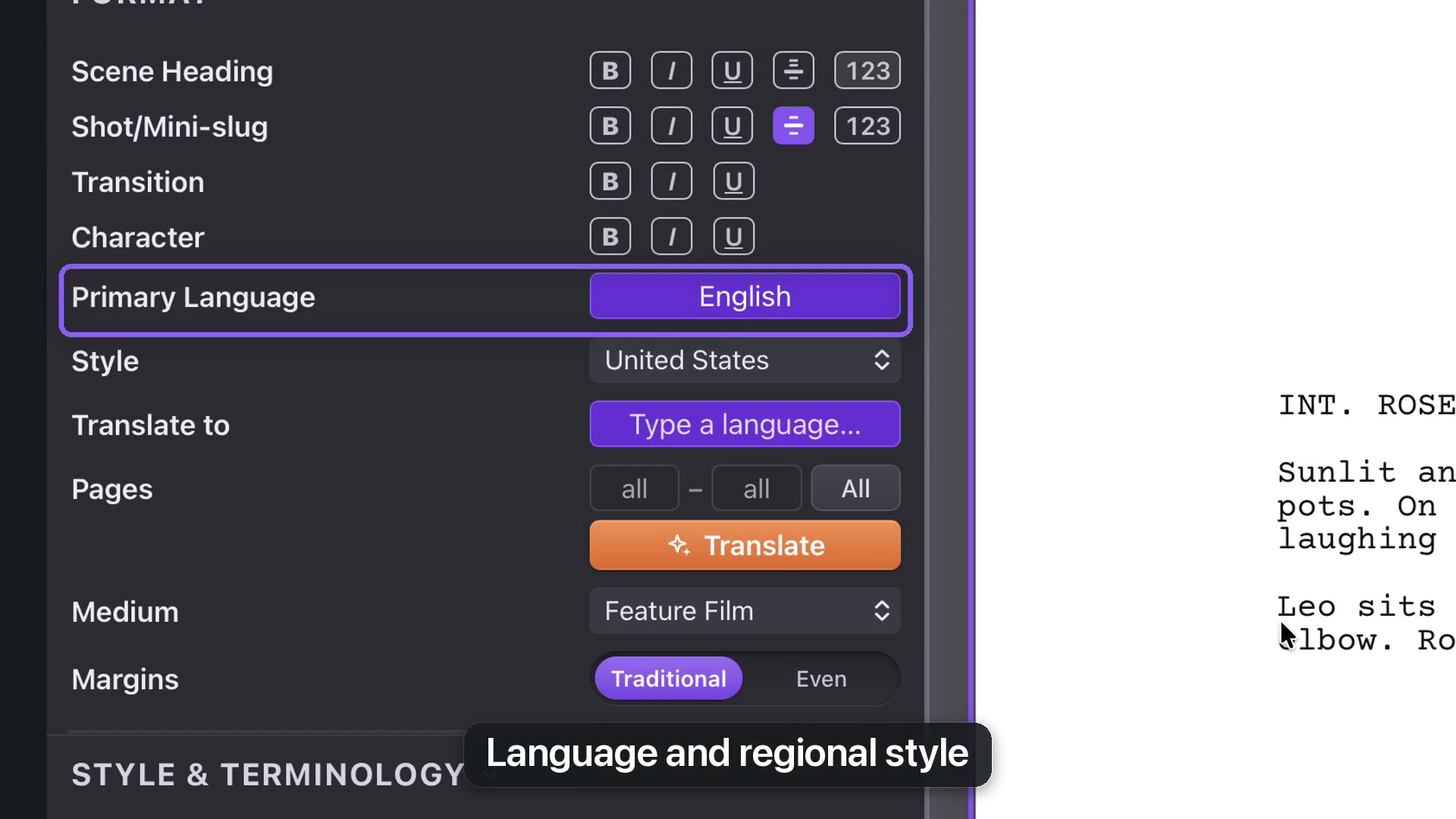
Primary Language selects the writing profile. Style selects its regional conventions. Switching the example from United States to United Kingdom changes paper and layout while leaving the words intact.
Translation is different: use Translate to when you want the words rewritten in another language. The translation chapter explains how to produce a separate document.
Profile-specific controls
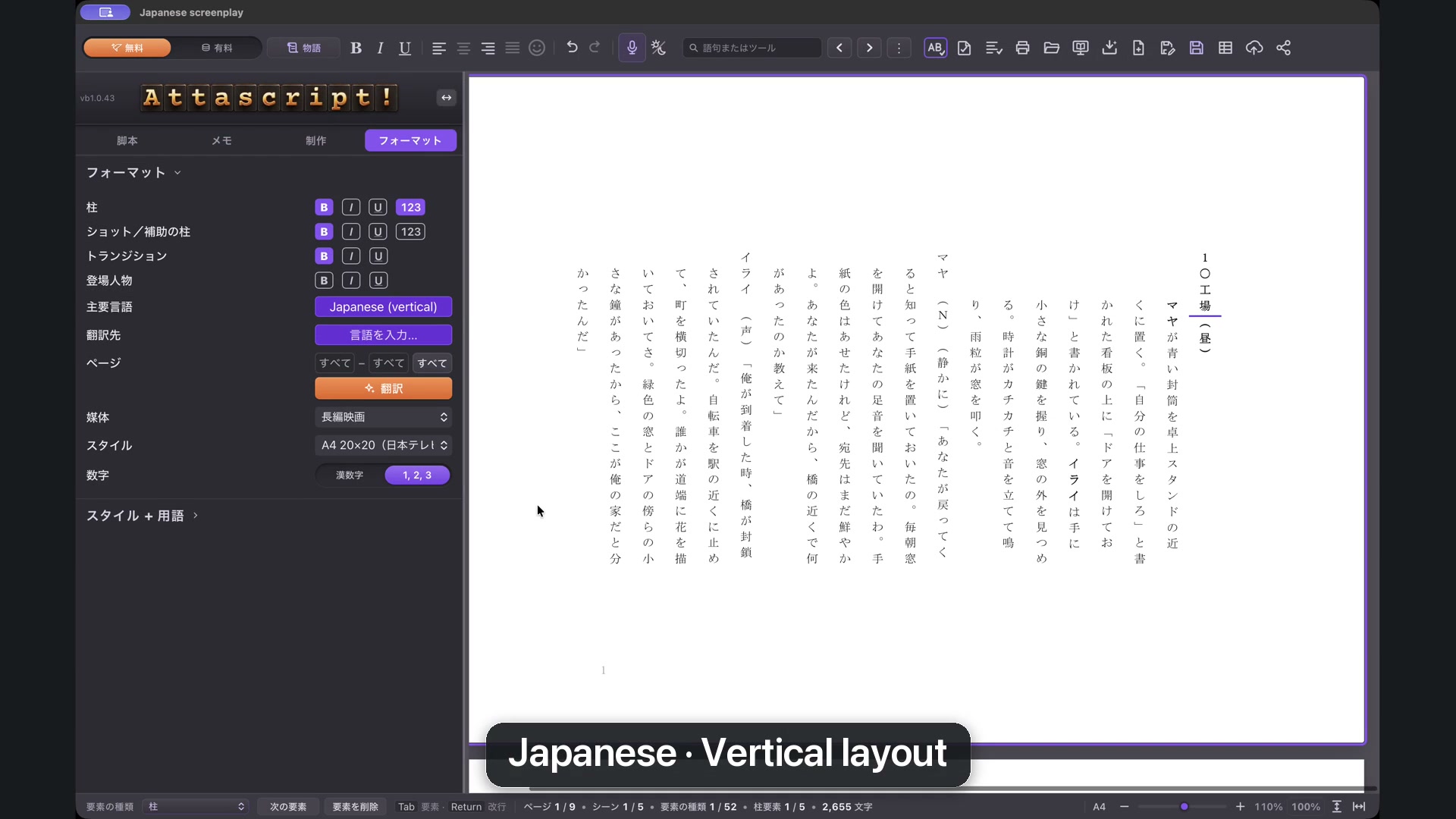
Japanese profiles offer vertical screenplay layouts and choices such as the Kido competition or Fuji TV style. Use Fit to Width to inspect the page. A numeral switch selects traditional Japanese numerals or standard digits. Similar numeral choices exist in supported Arabic-script profiles.
Choose the convention requested by the intended reader or production, rather than assuming every language uses the same layout.
Medium and margins
Medium selects Feature Film, Television or Multi-Camera. Margins offers Traditional or Even spacing. Television and Multi-Camera expose further controls covered in their own chapter.
For view shortcuts, use Command+2 on Mac or Ctrl+2 on Windows for Fit to Width. A view setting changes magnification; a format setting changes the page.