

LESSON 30 · Work with your screenplay
Import a PDF or Word script
Turn an existing PDF or Word screenplay into editable elements, then verify its structure and production information.
2:51 · 1080p · Captions available · Playback starts only when you choose Play.
Import the document
Click Import and choose a PDF or Word file. Enter a page range, or leave it empty for the whole file. Click Import and allow the process to finish.
Use Open or Choose File for an existing Attascript or Final Draft project. Import is the route for rebuilding a screenplay from PDF or Word.
Check the result
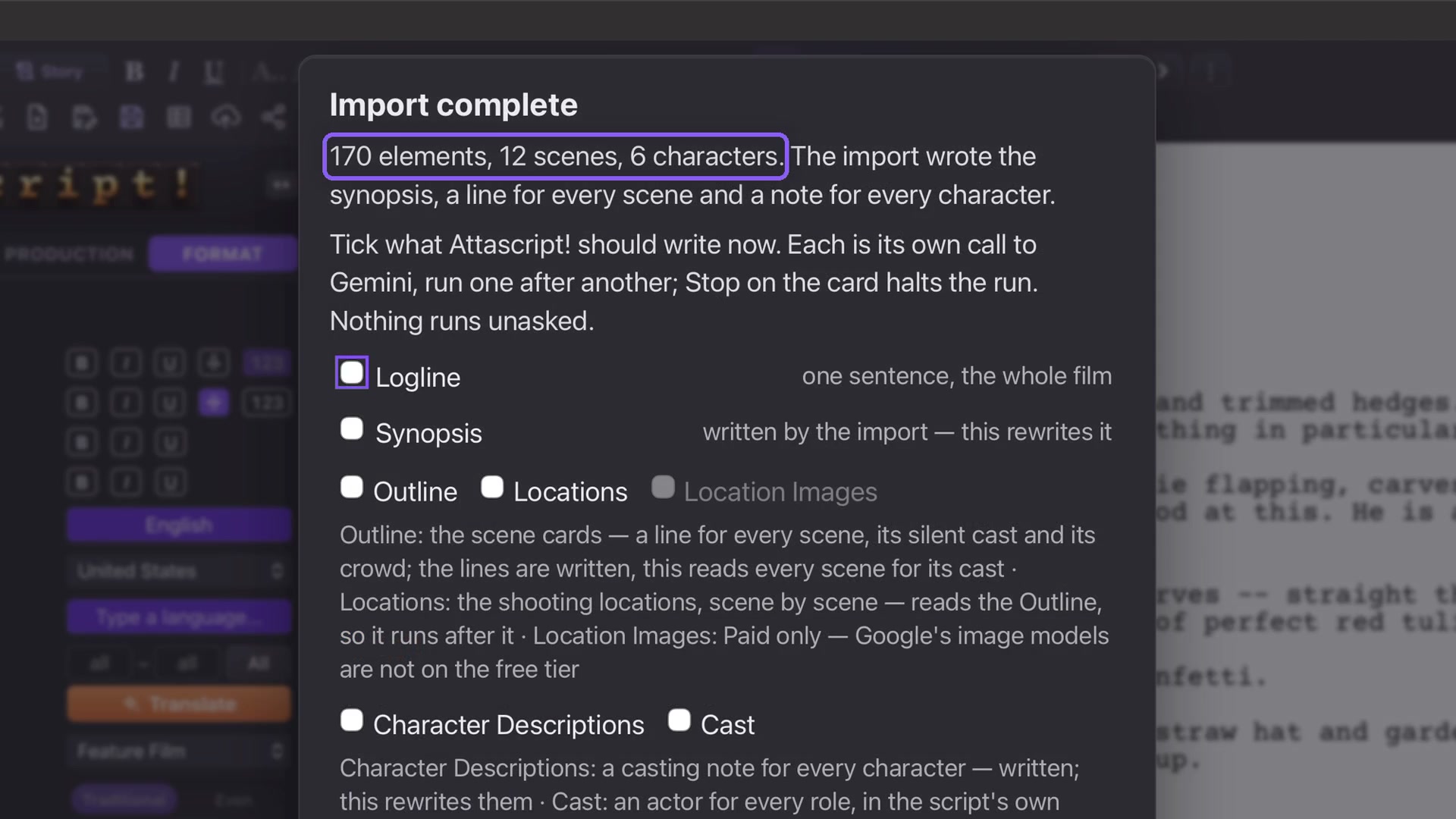
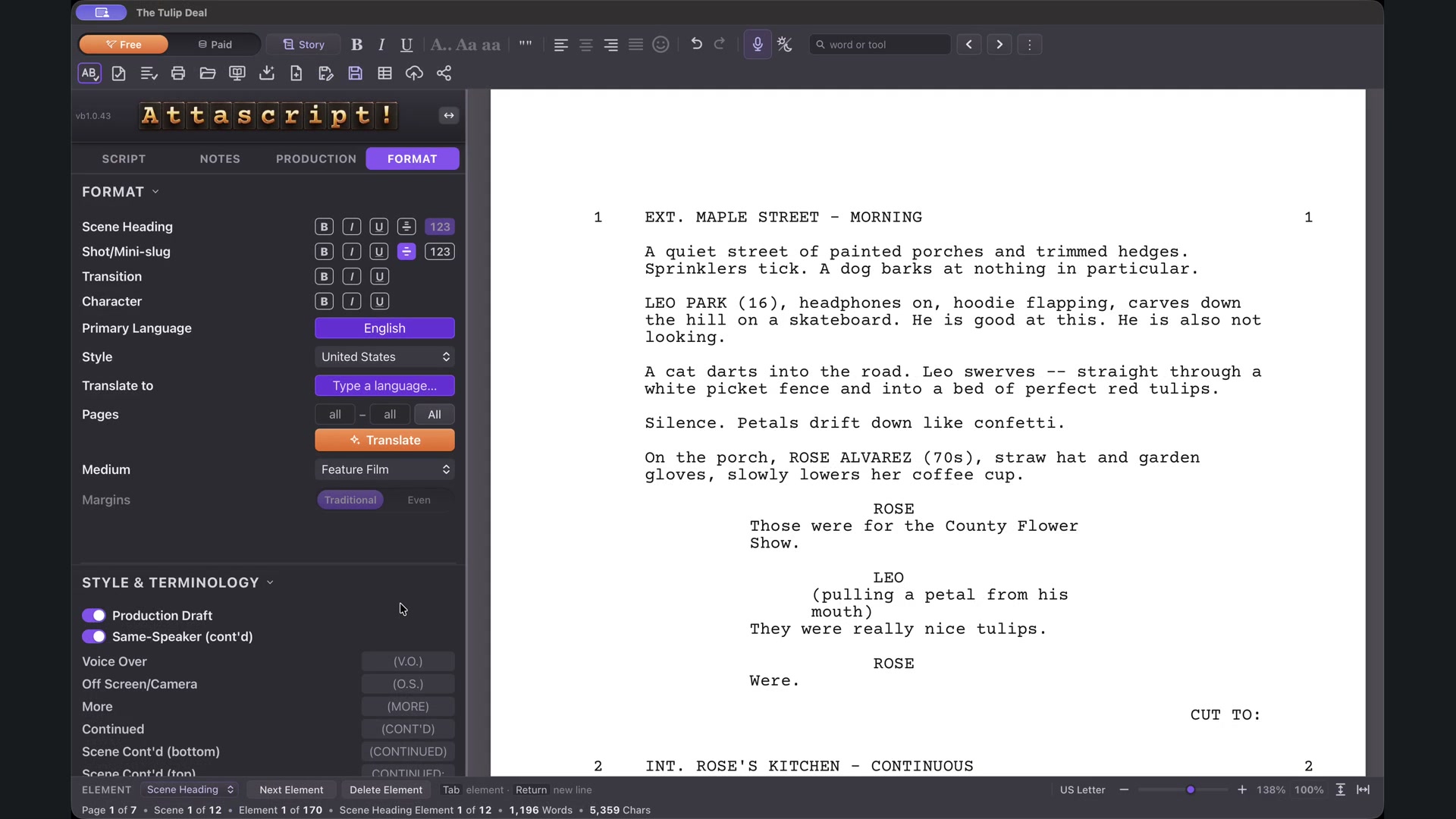
Read the completion report for element, scene and character totals, then compare representative pages with the source. Check headings, speakers, parentheticals and dialogue. Select and edit a line to confirm the document is editable; Undo restores an experimental change.
Select additional work
Import provides initial material such as synopsis, scene summaries and character notes. The follow-up checklist offers further work. Nothing else runs until you choose it.
In the example, selecting only Outline reads scenes for silent cast and background groups. Open the Script tab and inspect Background in the Characters panel.
Verify crowd quantities
A classroom explicitly contains thirty teenagers, so that count can remain. A flower tent is described as packed with neighbors but supplies no number. Choose How many, in this scene and clear an unsupported quantity. The group remains attached to the scene without inventing a headcount.
Save an Attascript project after checking the import, keeping the original source available for comparison.