

LESSON 07 · Your workspace
The Characters panel
The Characters panel gathers the people who speak, while also letting you account for silent characters and background groups.
1:38 · 1080p · Captions available · Playback starts only when you choose Play.
Read the list
Sort by dialogue, number of scenes, estimated screen time, alphabet or first appearance. These are different ways of seeing a character’s place in the story, not interchangeable measures.
The color ring tints a character’s dialogue on the page and in exports. For a table read, use colors to organize readers. Bold Color Elements adds bold styling to those colored lines; switching it off keeps their color.
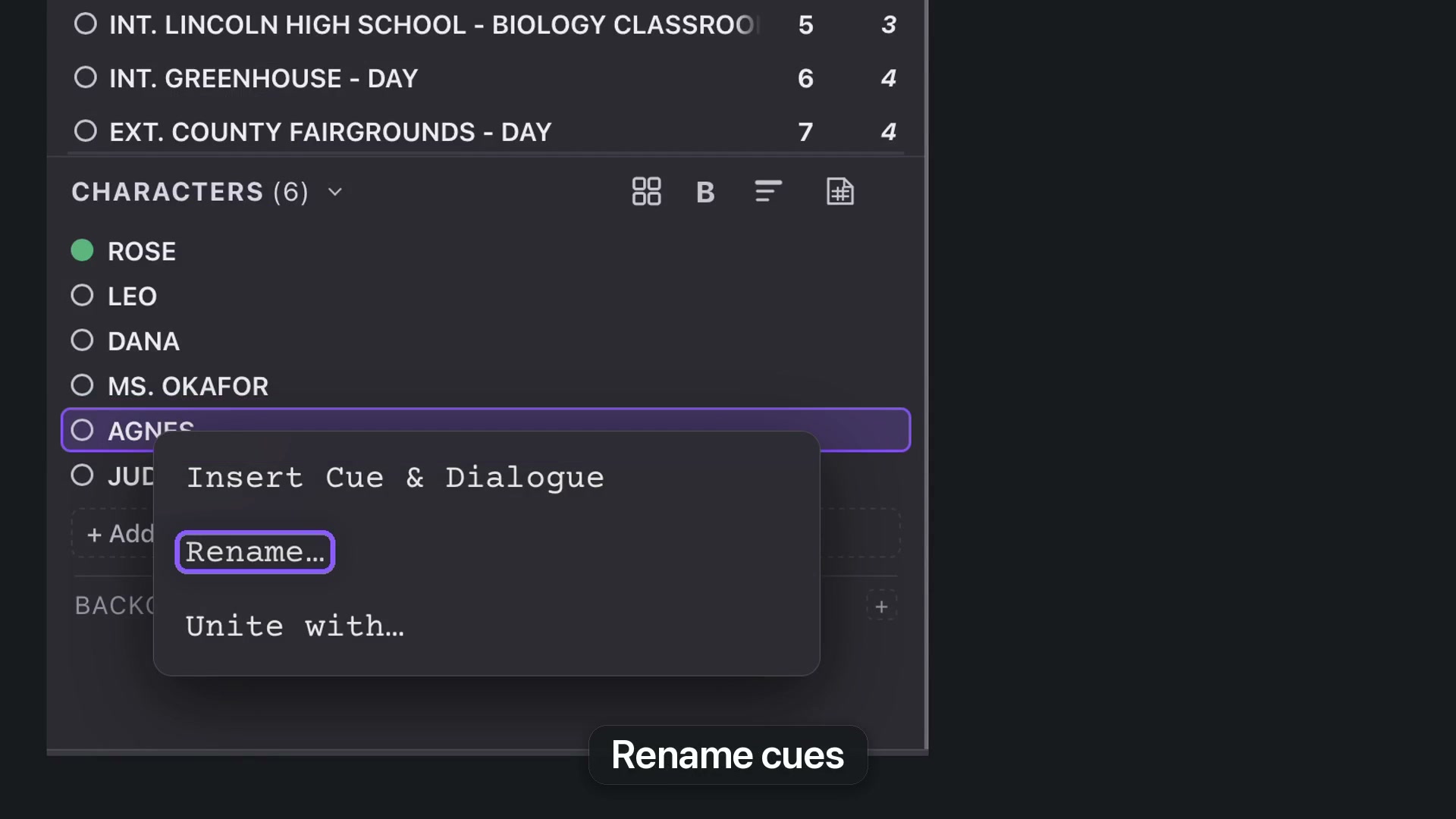
Rename or unite
Right-click a name. Rename updates matching character cues throughout the screenplay. Unite groups alternate names in the panel and Character Cards without rewriting the cues. Choose the command according to whether the text itself should change.
Include people who do not speak
Select the scene where the person appears, then add a non-speaking character. Use Background for extras such as fairgoers. Background groups remain separate from individual cast members.
When a script specifies a crowd size, record that quantity for the scene. A missing quantity should not become an invented exact count.
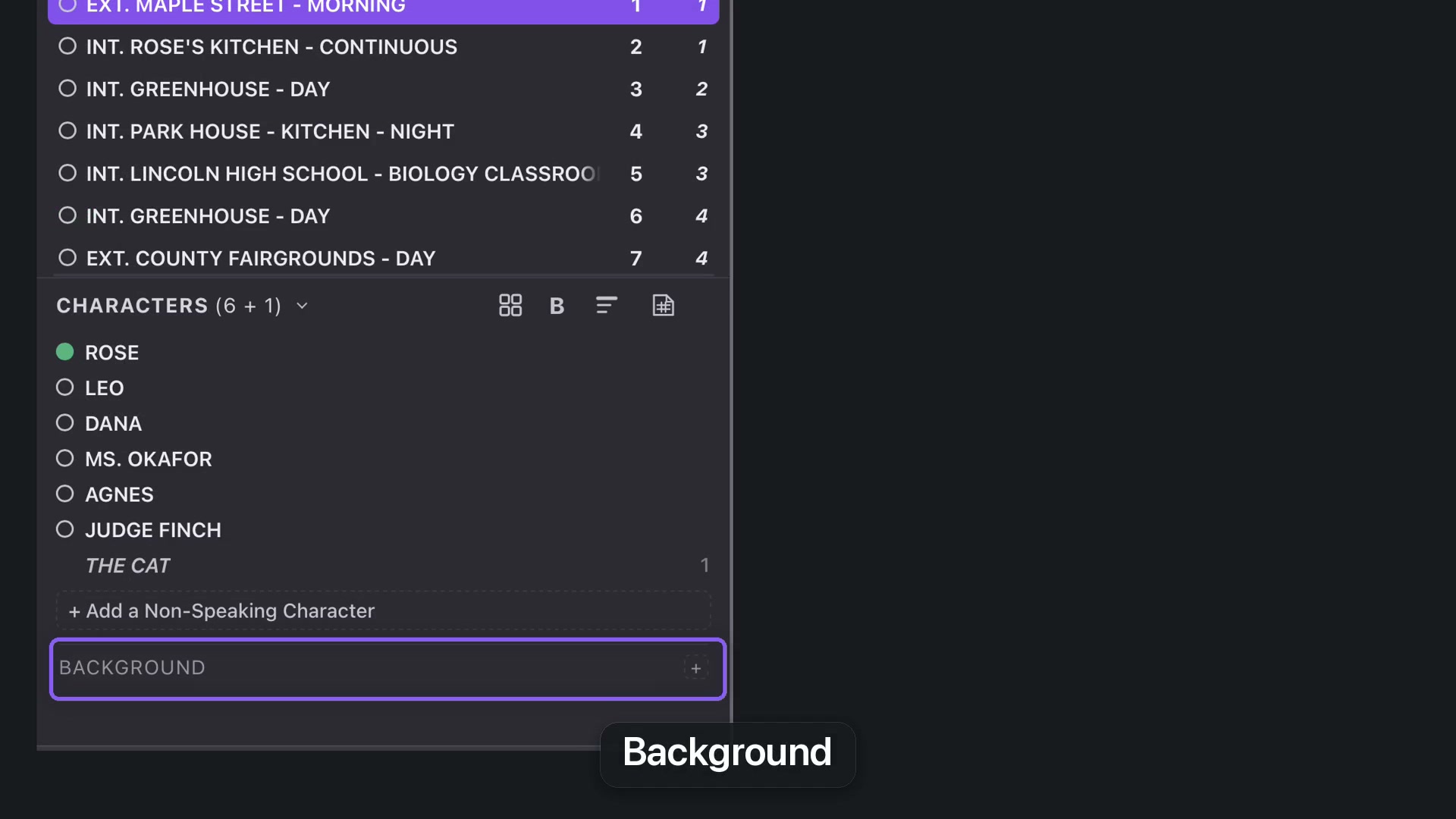
Cards and reports
The four-squares control opens Character Cards. A character report provides a separate overview for a production team. Save the working project so the cast organization stays with the screenplay.