

LESSON 17 · Develop your story
Logline
Distill the story into a sentence that makes a reader want to know what happens next.
1:31 · 1080p · Captions available · Playback starts only when you choose Play.
Generate a starting point
Open Story, then Logline. Click Write. Attascript reads the screenplay and proposes a compact pitch. Read it against the actual story: who drives it, what changes their situation, and what makes the outcome matter?
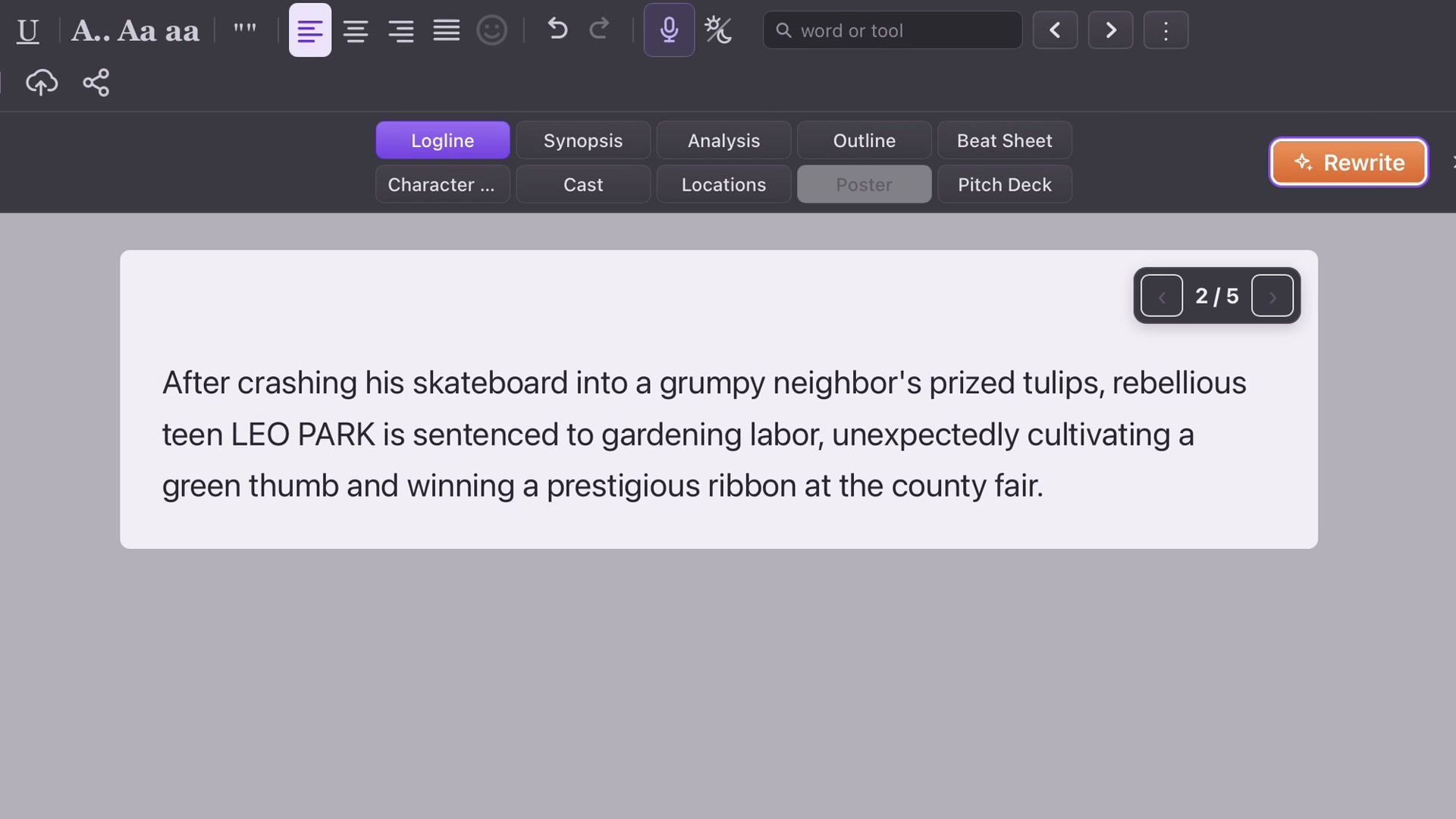
Make it yours
Click the wording to edit it directly. In The Tulip Deal example, “reckless” replaces “rebellious” because it fits Leo’s skateboard crash more precisely. Small word choices can make the pitch more faithful to the draft.
Try a directed rewrite
Finish editing, then choose Rewrite. Give a focused note, such as “Make it funnier.” Leaving the direction empty asks for another version. The comic phrasing in the example changes while the accident, gardening debt and unlikely friendship remain recognizable.
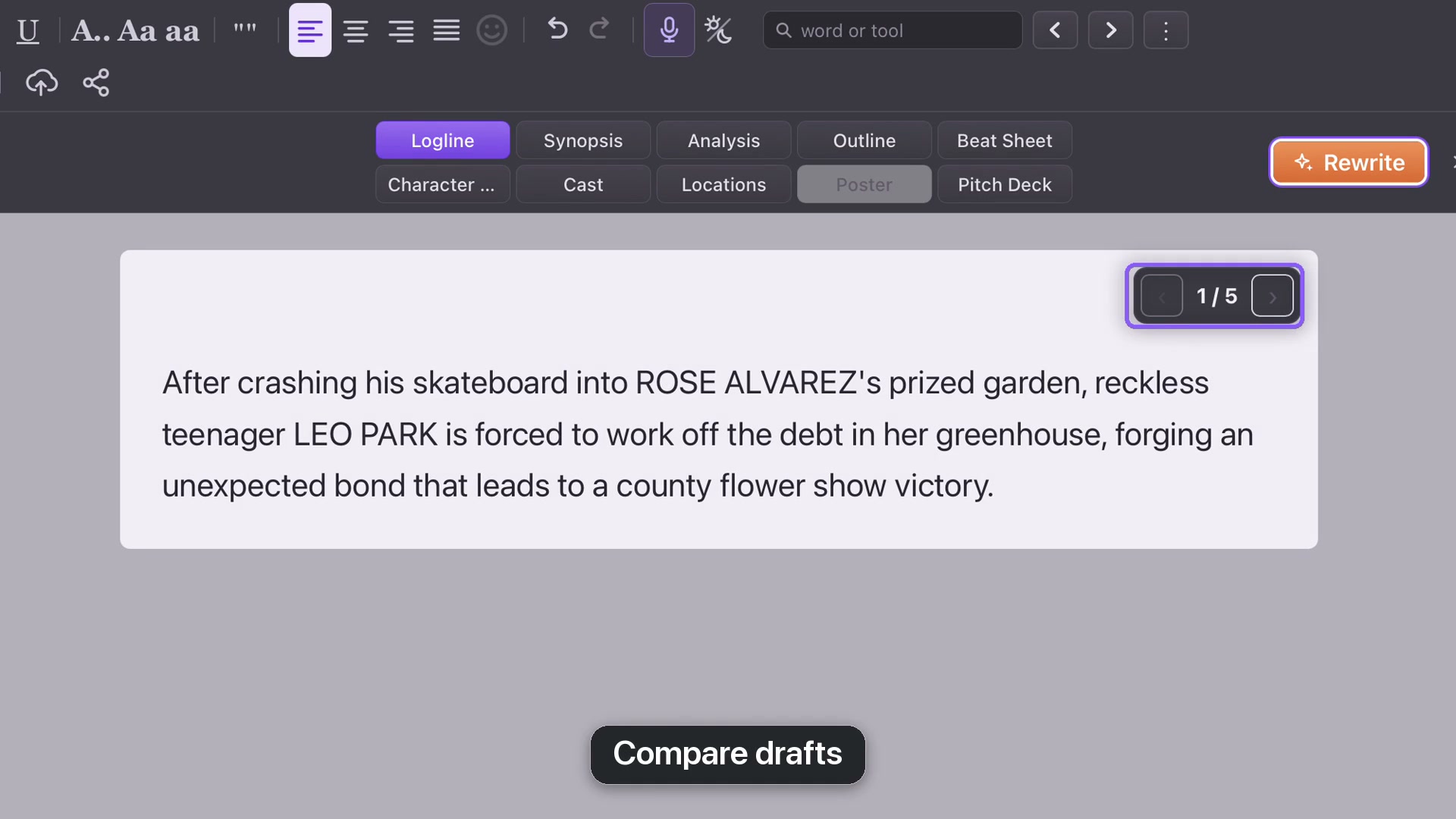
Compare drafts
Use the draft arrows to compare previous wording with the new version. Leave the one you prefer on screen, then save the project. If the pitch suggests a story your screenplay does not actually tell, revise the pitch or investigate that difference in the script.