

LESSON 32 · Work with your screenplay
Voice Draft
Talk through a scene, review the transcript, and turn the description into screenplay action and dialogue.
1:26 · 1080p · Captions available · Playback starts only when you choose Play.
Choose the insertion point
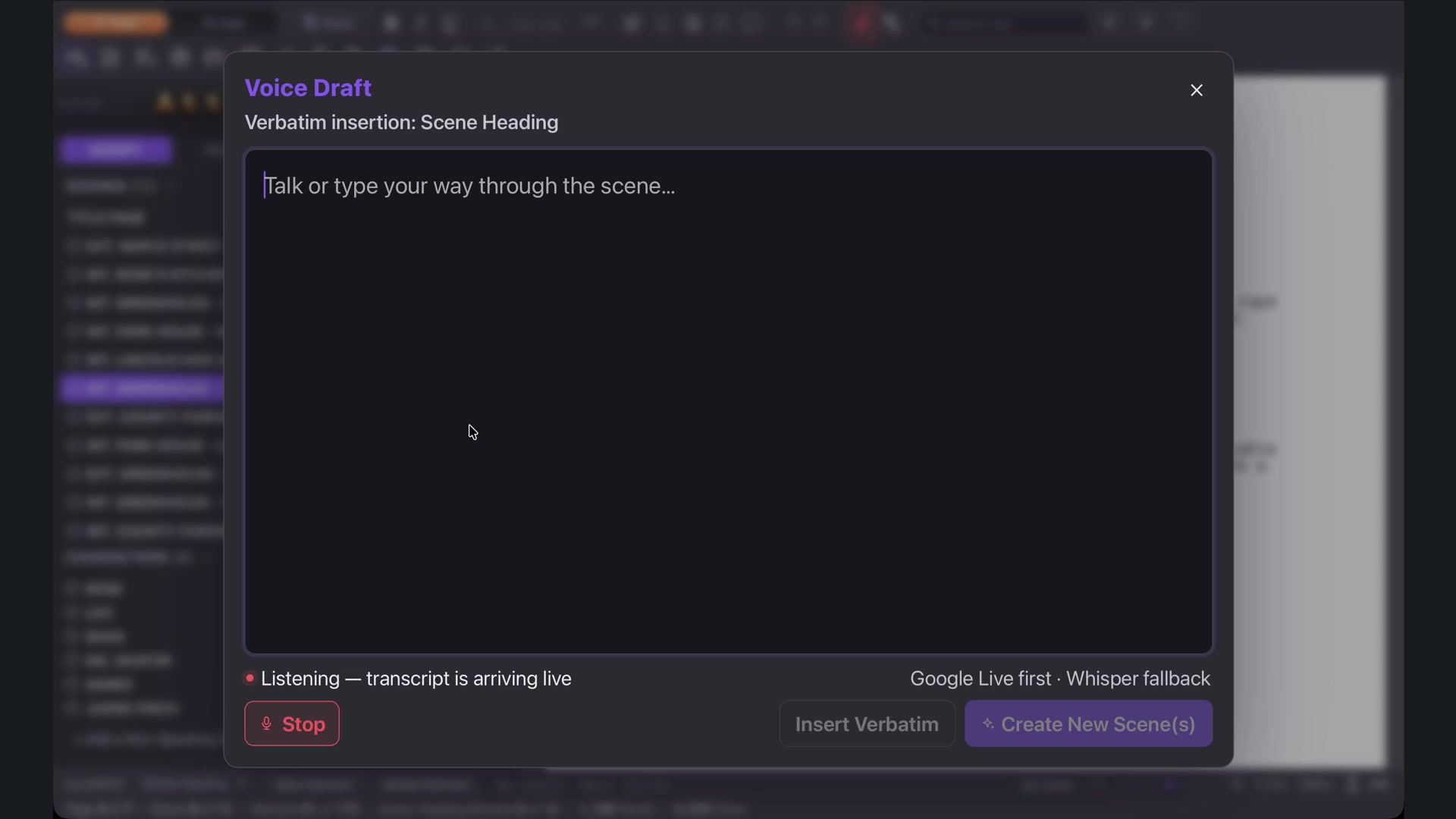
Select where the new scene belongs before opening the microphone in the top menu. Press Record and describe the location, time, action and kind of exchange you want. Your words appear as you speak.
Describe the dramatic moment
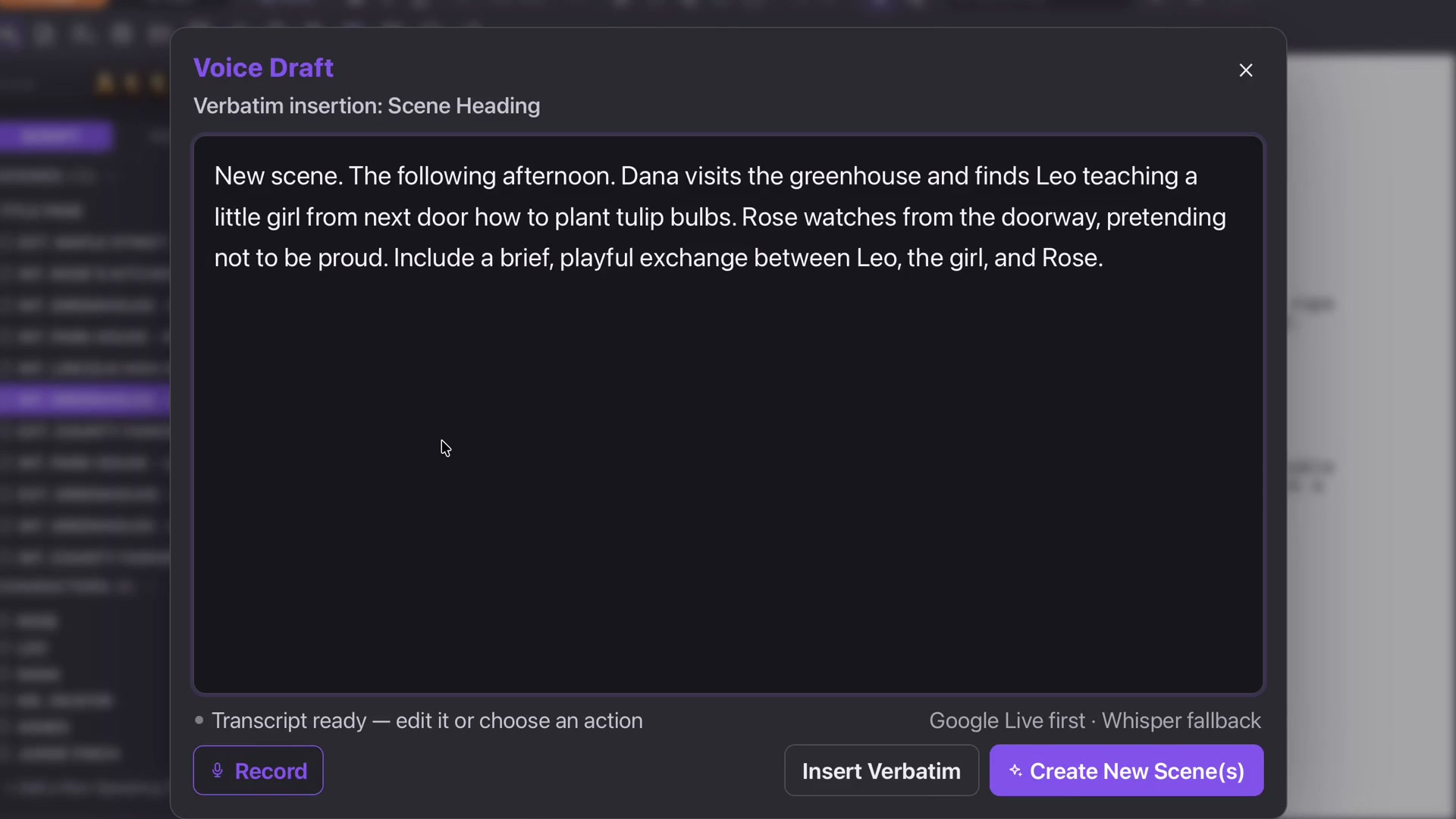
The course describes Dana arriving at the greenhouse to find Leo teaching a girl to plant bulbs while Rose pretends not to be proud. It also asks for a brief, playful exchange.
You do not have to dictate every screenplay margin or line. Give the people, situation and intention clearly enough to guide a draft.
Check before creating
Press Stop. Read and edit the transcript, especially names and any words the microphone misunderstood. Choose Create New Scene when the instruction says what you mean.
The resulting heading, Action and Dialogue are editable screenplay elements. Read the scene and refine it in your own voice.
Other ways in
Right-click a scene in the navigator for Write or Dictate New Scene, or Rewrite Scene. Select the appropriate action so a new-scene idea does not become an unintended rewrite of existing material.