

LESSON 35 · Work with your screenplay
Find a word, or a tool
Find a word in the screenplay or jump to a tool by describing what you want to do.
1:09 · 1080p · Captions available · Playback starts only when you choose Play.
Find text
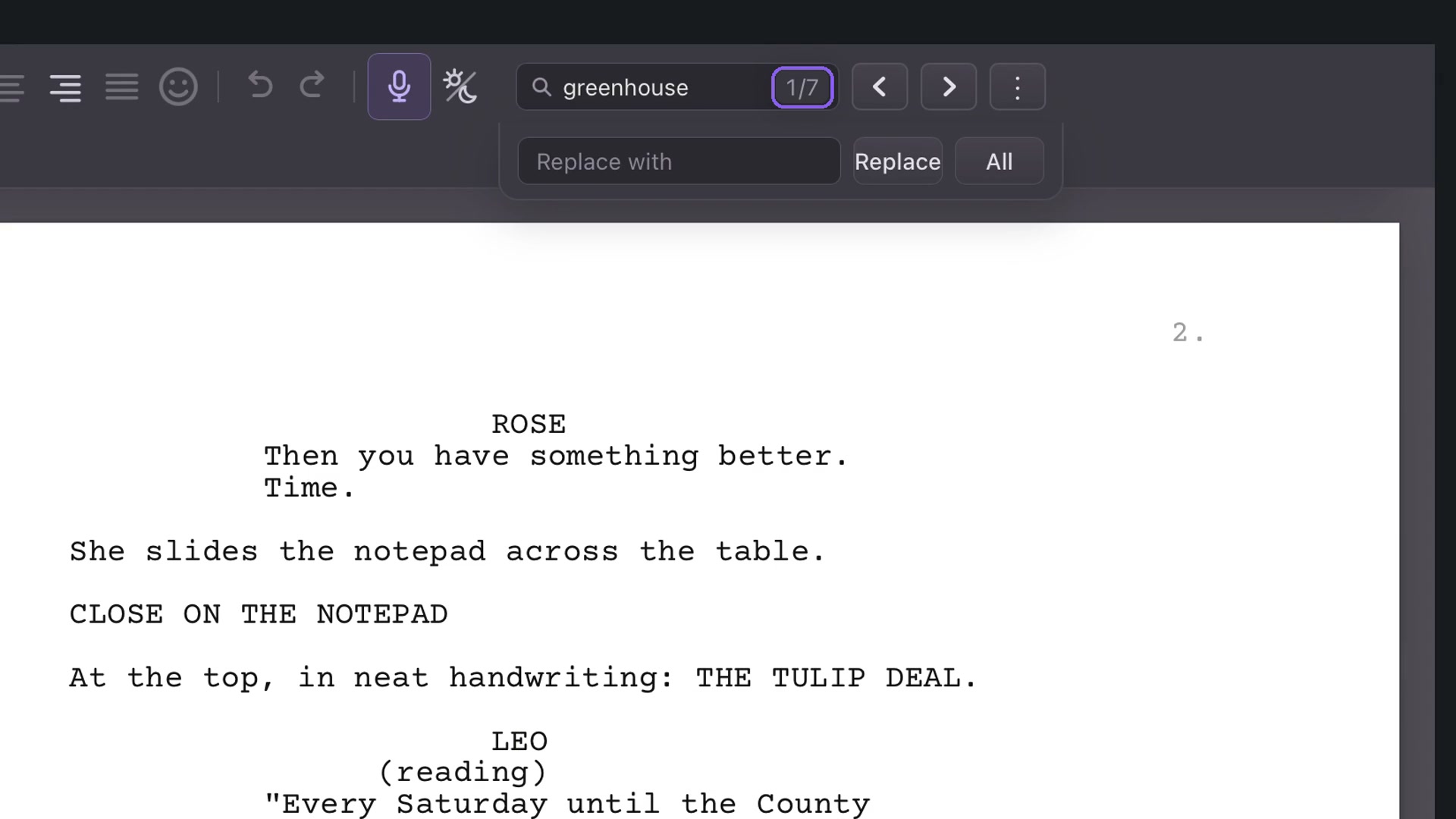
Press Command+F on Mac or Ctrl+F on Windows. Type a word such as greenhouse. The count reports matches; Next and Previous move between them. Read the surrounding text when several scenes use the same word.
Choose the search scope
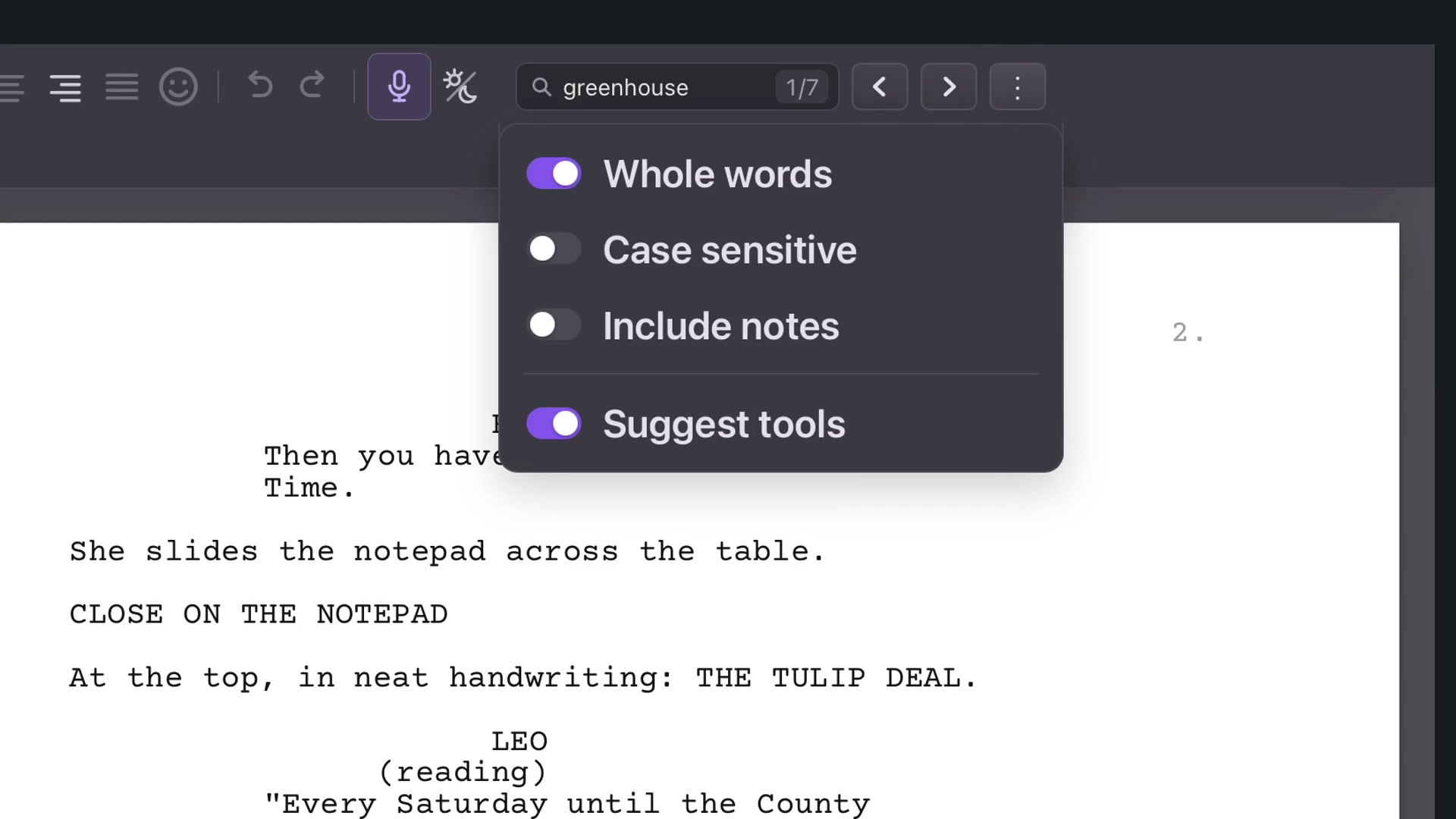
The three-dot Search settings offers whole-word matching, case sensitivity and inclusion of notes. Keep Suggest tools enabled when you also want matching commands.
Whole-word matching is useful when a short search could otherwise occur inside longer words.
Replace carefully
Enter replacement text beneath the search. Replace changes one match; All changes all matches in the selected scope. Review your search settings and the intended wording before applying a broad replacement. You can search without replacing anything.
Find a control
Type a task such as scene numbers and choose its tool suggestion. The app takes you to the control. Try night or mixed to find appearance modes. Tool search is useful when you know the task but not where its button lives.