

LESSON 36 · Make it yours
Day, Mixed & Night
Choose comfortable light and page magnification without changing the words or delivery format.
1:03 · 1080p · Captions available · Playback starts only when you choose Play.
Three appearances
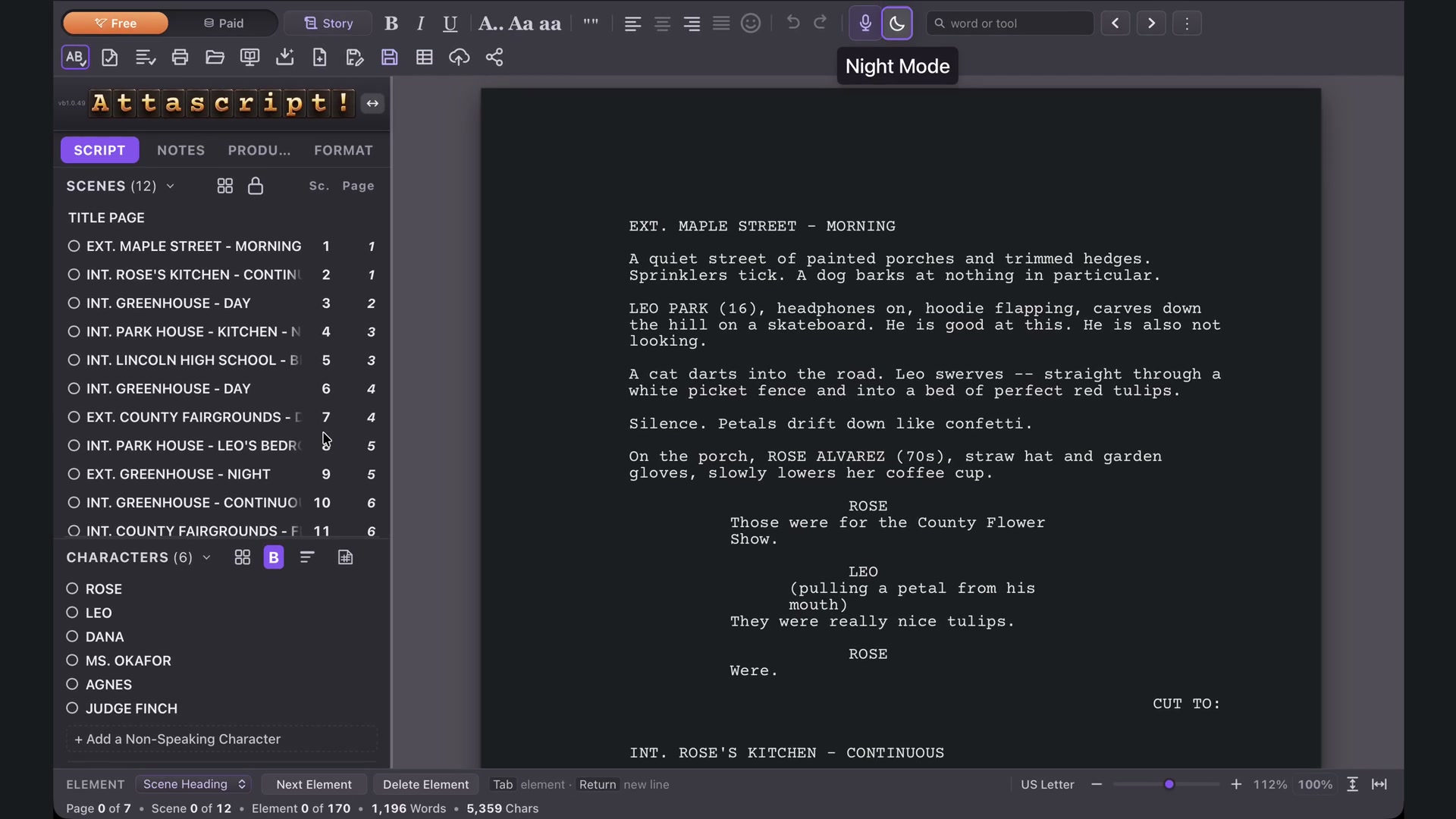
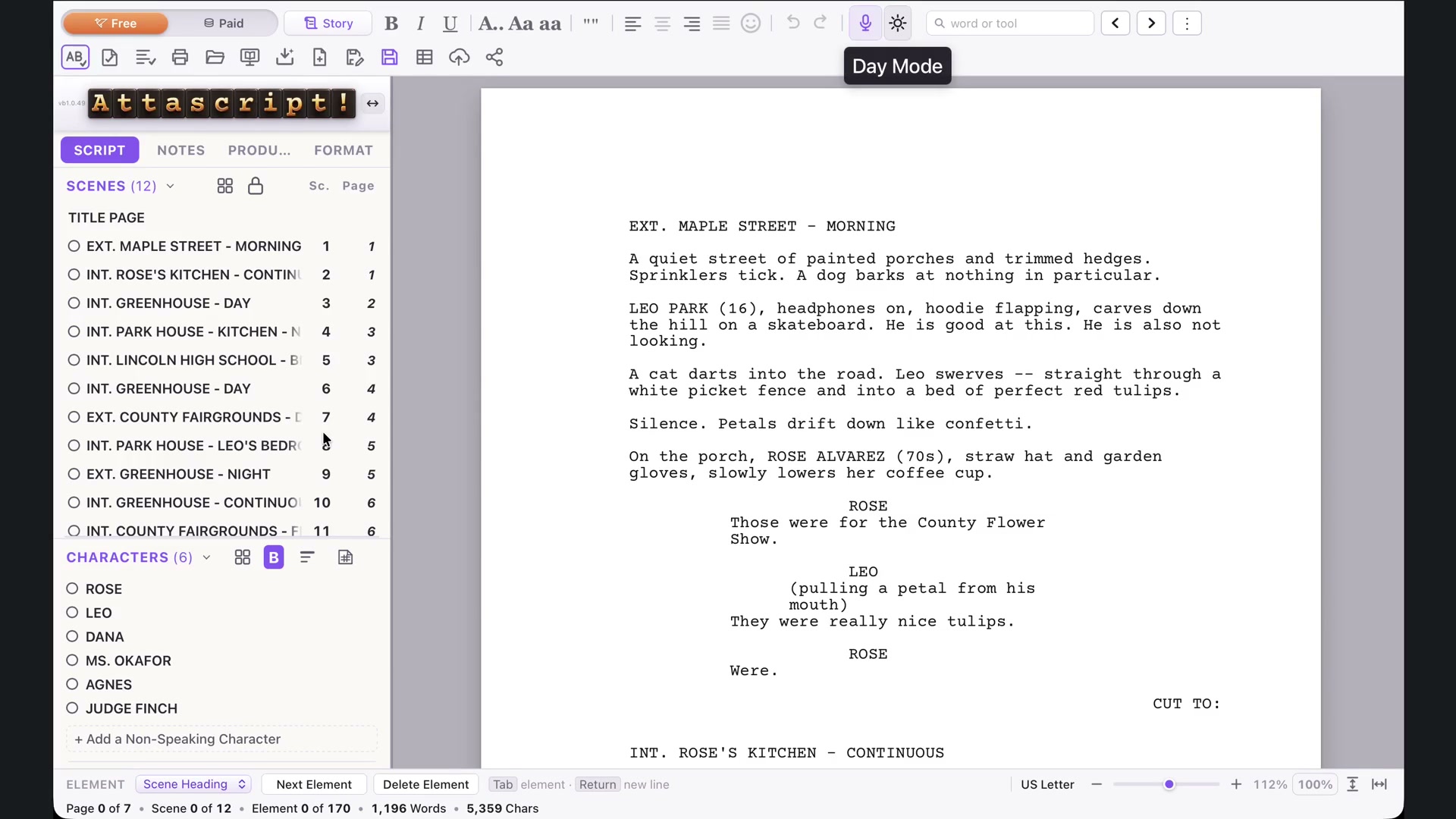
The appearance key in the top menu cycles Day, Mixed and Night. Day has light controls and a white page. Mixed puts a white page inside a darker workspace. Night darkens the page as well as the surrounding controls.
Choose according to your display, room and preference. The same screenplay remains in place as the appearance changes.
Fit the page
Fit to Length shows a full page: Command+1 on Mac, Ctrl+1 on Windows. Fit to Width uses the available horizontal space: Command+2 / Ctrl+2. The corresponding buttons are also in the footer.
Use the slider for intermediate magnification, or 100% for the dedicated normal view.
Check the right thing
Magnification and workspace appearance are viewing choices. Paper size, margins and screenplay conventions live in Format. If the page is hard to read on screen, try a more suitable view before adjusting its actual layout.