

LESSON 37 · Make it yours
Feature, Television & Multi-Camera
Choose the medium and the act or scene-break conventions your production requires.
1:25 · 1080p · Captions available · Playback starts only when you choose Play.
Select the medium
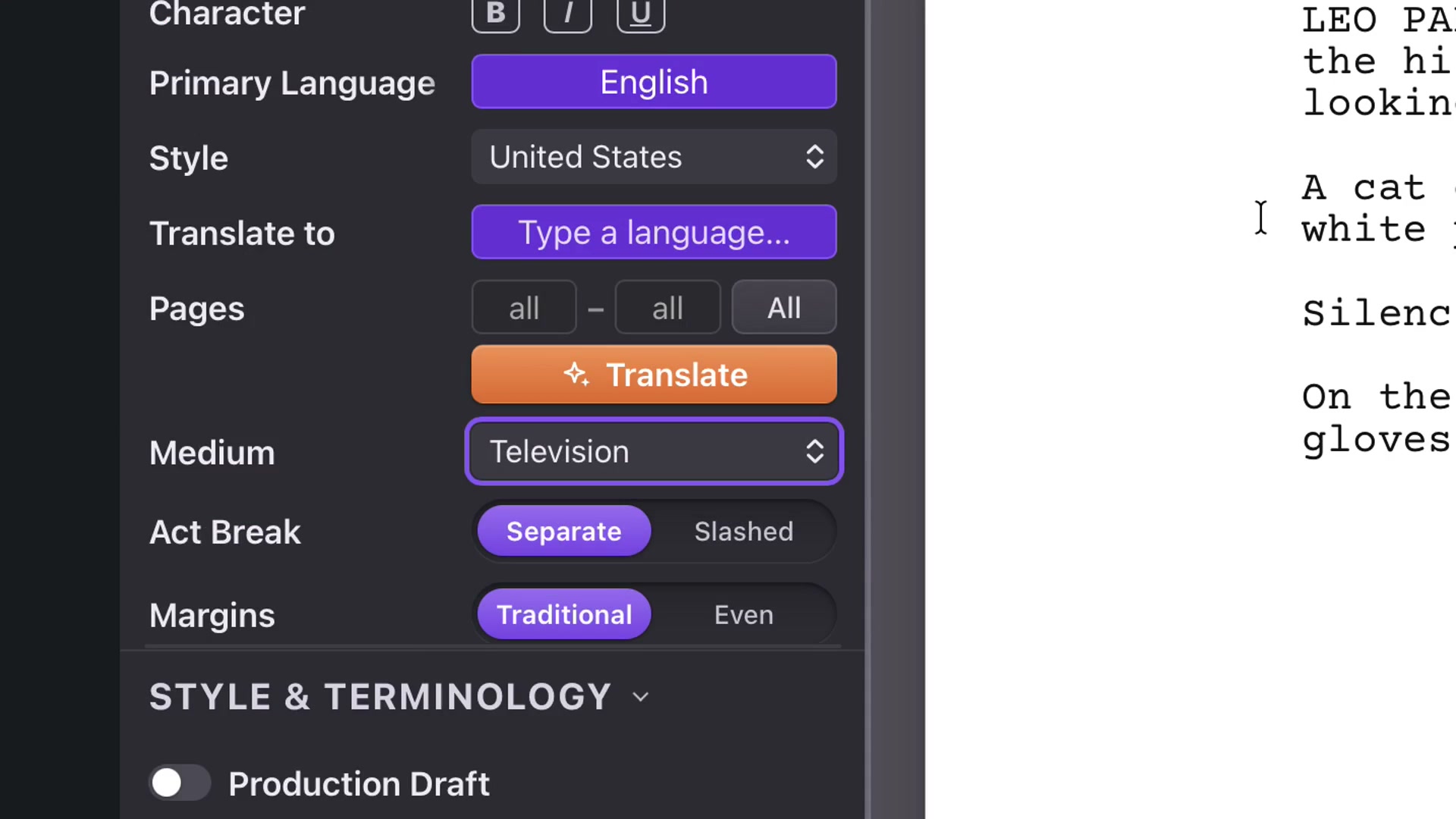
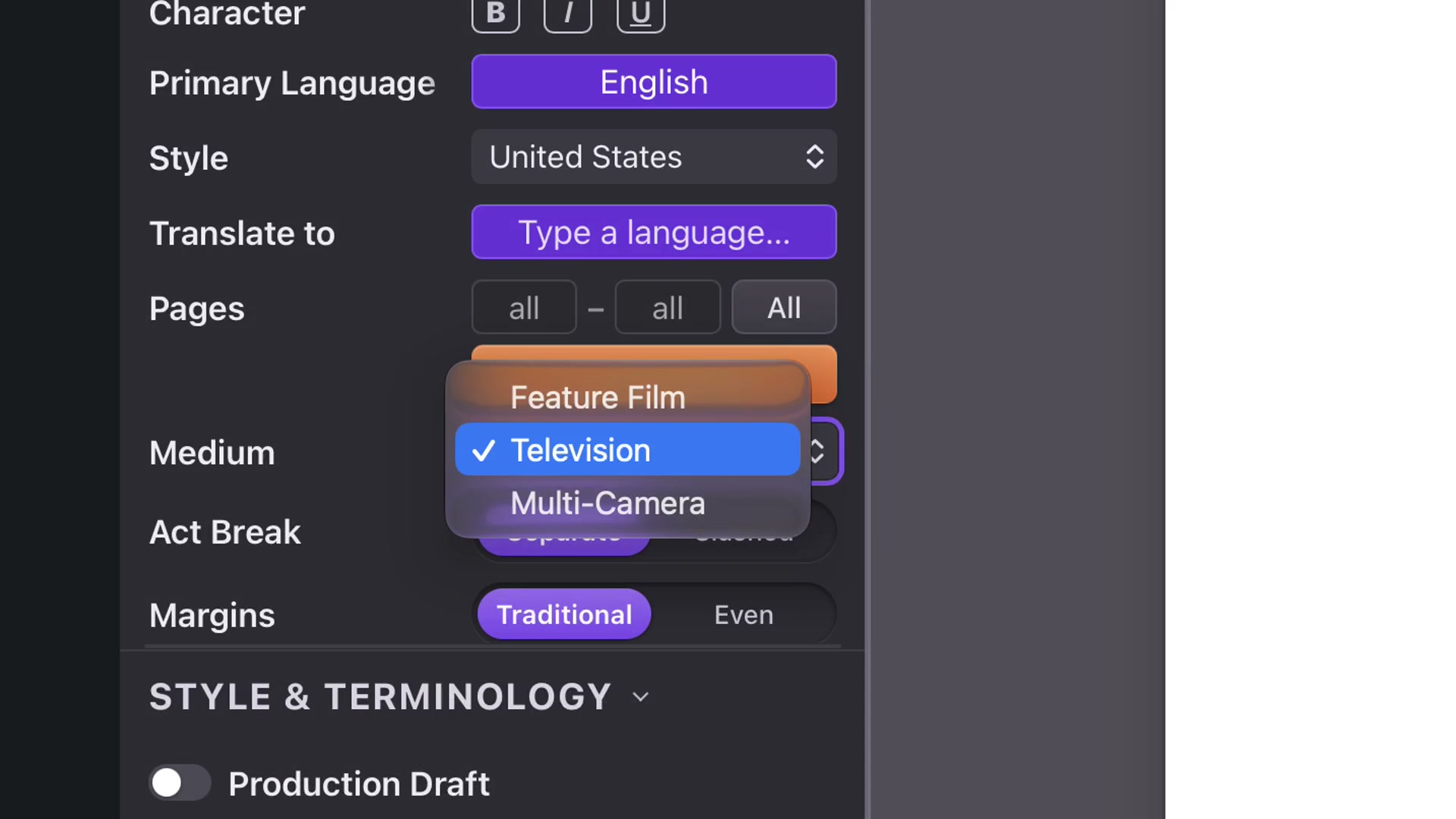
Open Format and choose Feature Film, Television or Multi-Camera. The applicable controls change with the medium. Use the format requested by the production or recipient rather than adding conventions merely for decoration.
Mark a television act
Choose Television. In the Script navigator, right-click the scene that begins an act and select Mark New Act Break. Enter the name and confirm. The act appears in the list and on the screenplay page.
Slashed joins the closing and opening act markers on one line. Separate gives the next act a new page. Switch between them and inspect the visible page to confirm the result.
Multi-Camera controls
Multi-Camera displays Action in capitals and uses wider dialogue line spacing. Scene Breaks offers Line or Page: Page begins each scene on a new page, while Line keeps the flow between scenes.
Switch back to Feature Film when that is the required presentation. Review the pages before exporting after a medium change.