

LESSON 21 · Develop your story
Beat Sheet
See the screenplay’s larger turns, with editable beat descriptions and links back to their pages.
1:37 · 1080p · Captions available · Playback starts only when you choose Play.
Generate the beat sheet
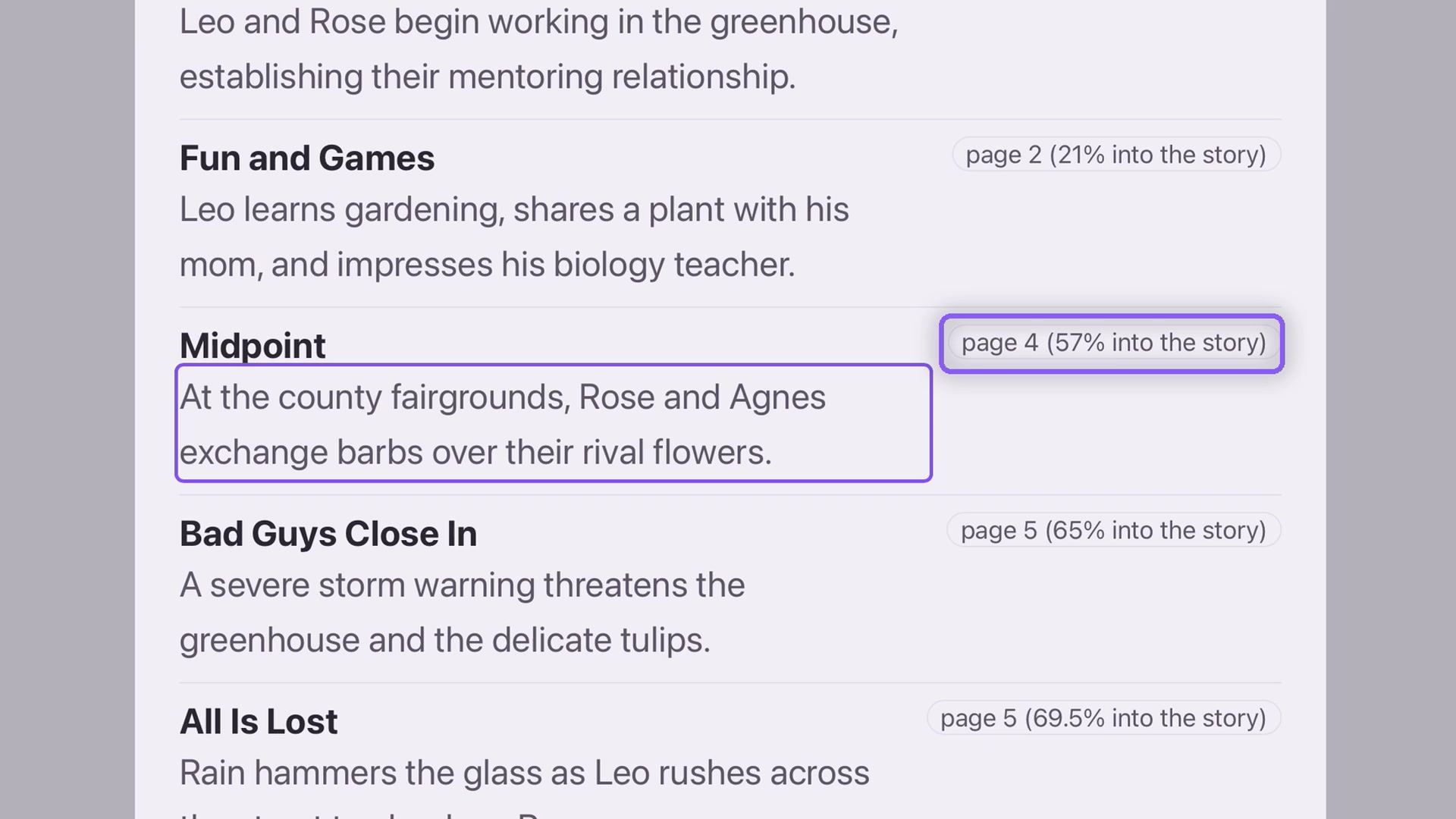
Open Story, choose Beat Sheet and click Write. Each entry identifies a beat, describes what happens and gives a page reference with its position in the story.
In the example, Midpoint appears on page four at 57% of the screenplay. These positions describe the generated reading of this draft; they are not a requirement that every story place the same event at an identical percentage.
Refine a description
Click a description to edit its emphasis. The demonstration brings Rose and Agnes’s rivalry into focus. Keep the wording faithful to the scene, especially if the draft has changed since the report was generated.
Follow the links
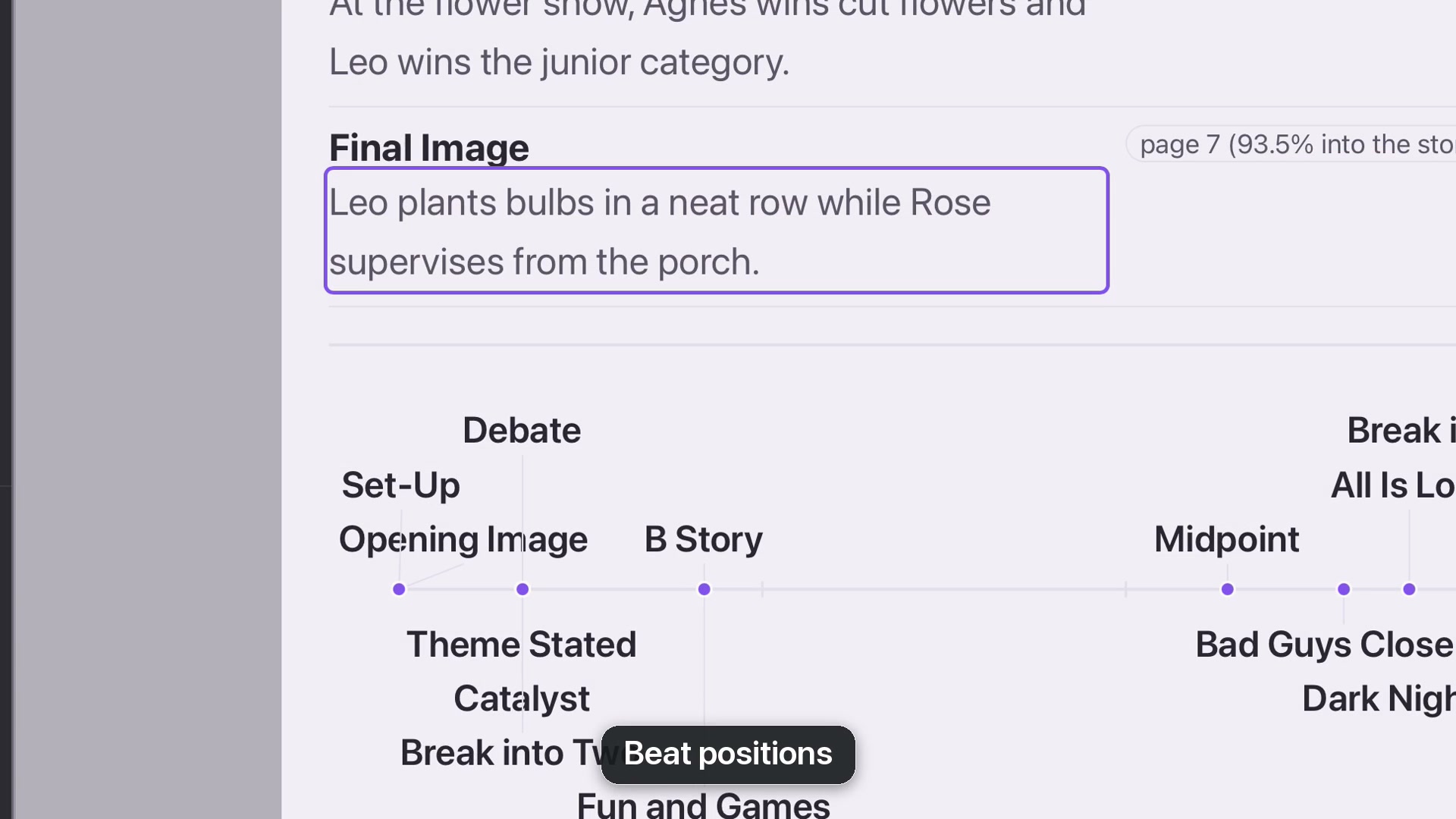
Click a page reference to open that page. Return through Story and Beat Sheet when you want to continue the overview. At the bottom, the diagram places beats between 0% and 100%. Its labels are links too: choose Final Image to jump to the end.
Use the pattern
Look at where the story changes and where it has room to breathe. If a span feels empty or crowded, read those pages before deciding what to revise. Save your edited beat sheet with the project.