

LESSON 18 · Develop your story
Synopsis
Choose the length of a synopsis, generate it from the screenplay, and refine the wording for your reader.
1:29 · 1080p · Captions available · Playback starts only when you choose Play.
Choose the length first
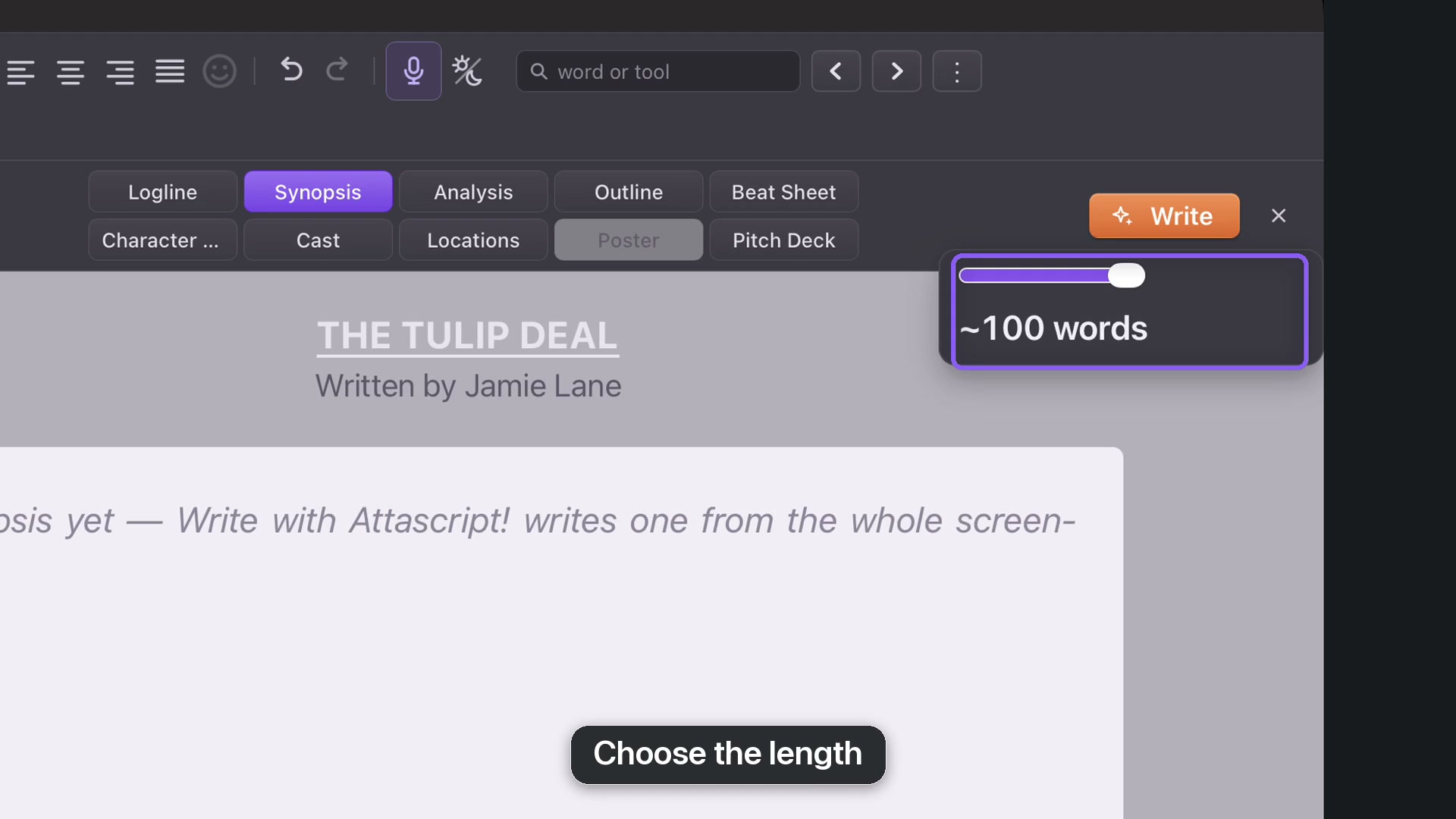
Open Story and Synopsis. The title and author come from the title page; edit them there if needed. Use the length slider before generating. A short screenplay offers shorter choices, while longer scripts unlock longer summaries.
Write and check
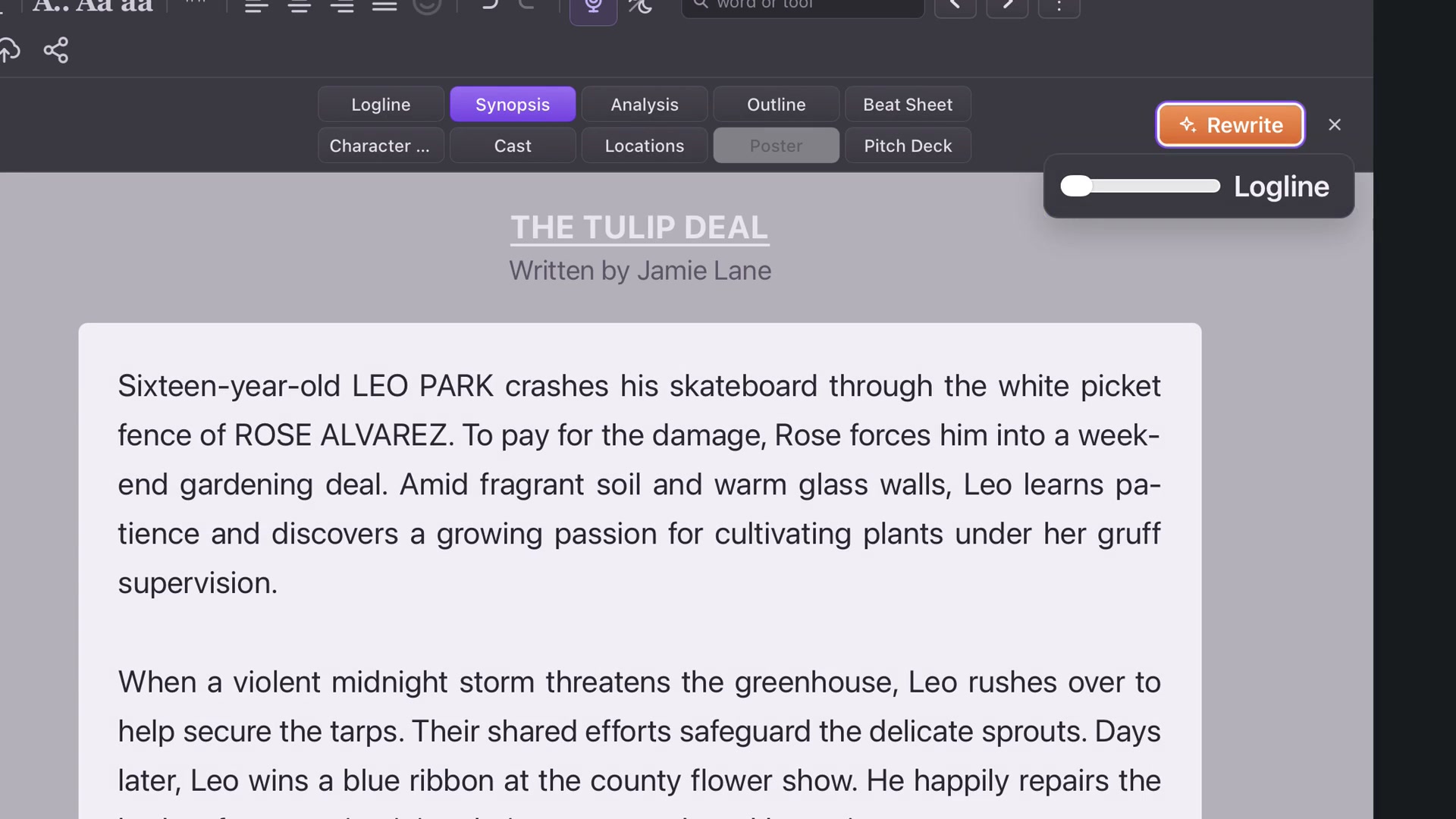
Click Write and allow the reading to finish. Check the summary’s sequence, relationships and ending against the screenplay. In The Tulip Deal, the accident leads to the gardening deal, the storm and the flower show. Make sure the summary preserves the causes between those events.
Change the length deliberately
Moving the slider does not rewrite existing text. Select Rewrite when you want a new version at the new length. This lets you inspect a possible length without losing a synopsis you already like.
Edit and format
Click into the synopsis to improve phrasing. Use the top-menu formatting controls for emphasis or paragraph alignment; Undo reverses an unwanted change. Save the working project when the synopsis reads accurately and smoothly.