

LESSON 14 · Your workspace
Title page & added pages
Create the screenplay’s title page and add a dedication or note without disturbing the script’s page numbering.
1:24 · 1080p · Captions available · Playback starts only when you choose Play.
Fill in the title page
In the Scenes panel, choose Title Page. Click the title, byline and author fields to edit them. Use the credit line for an adaptation credit when appropriate, or leave it empty.
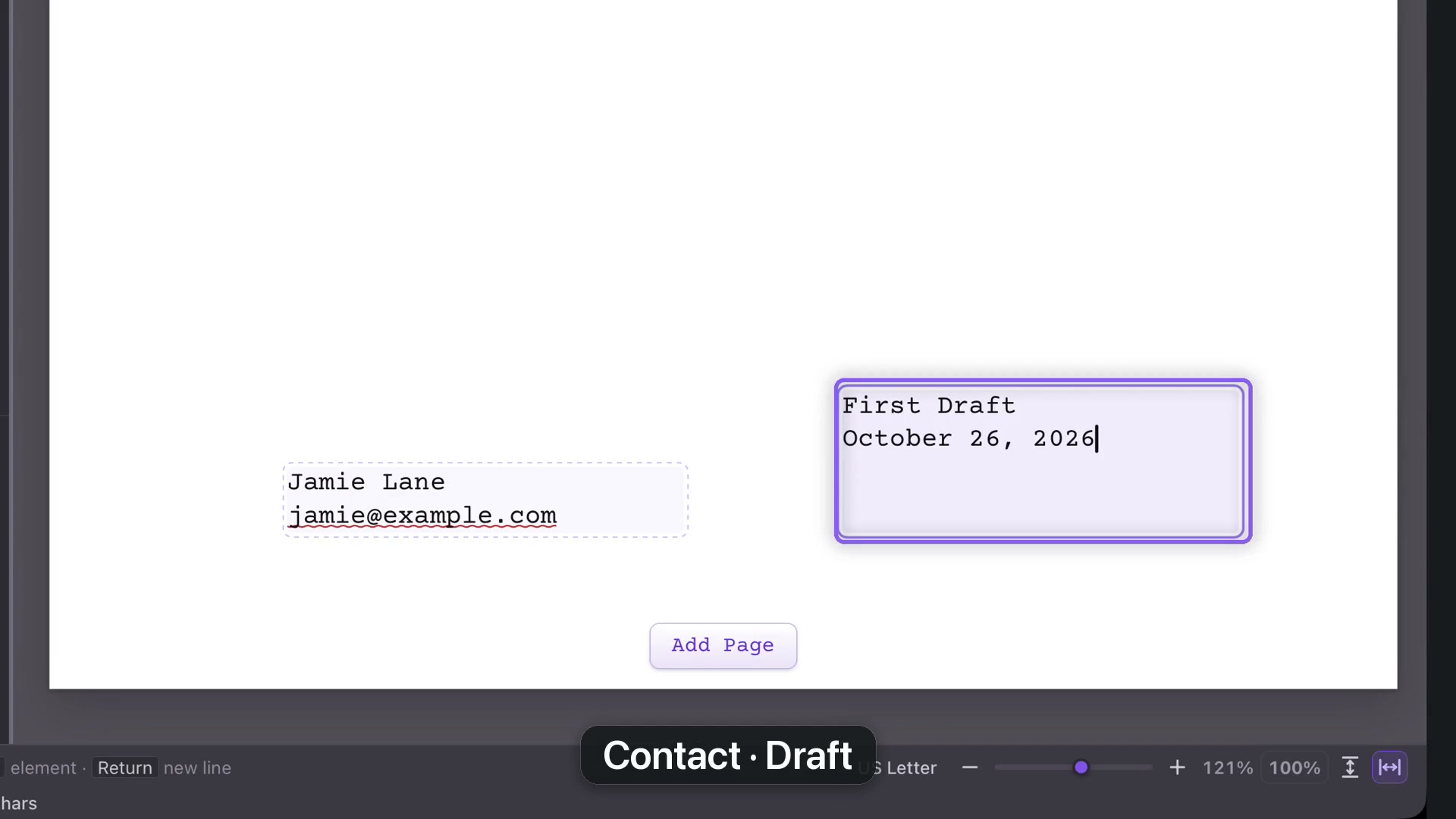
Contact information belongs at the lower left; the draft and date go at the lower right. Use details you actually intend to share. The course uses fictional contact information.
Additional wording
If a copyright notice is required, put the caret on its own line beneath the title and credits and use the copyright control. Avoid crowding the title page with information the recipient has not requested.
Add a page
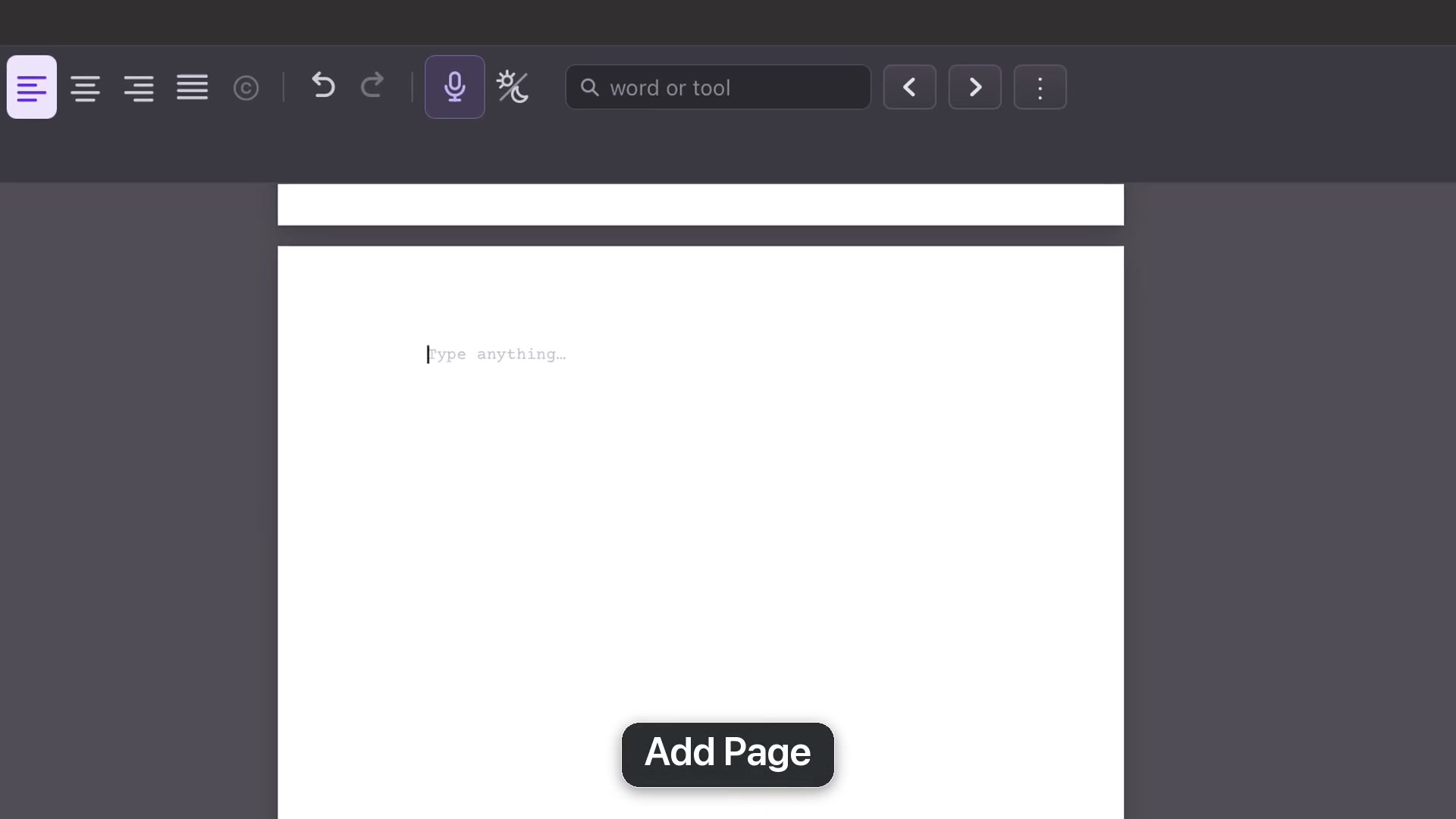
Choose Add Page for a free page after the title. Use it for a dedication, quotation or note to the reader. Select text and use the top-menu alignment, Bold, Italic or Underline controls.
Click a scene in the navigator to return to the screenplay. When the title-page bundle is included in a print or export, its added pages travel with it.