

LESSON 03 · Getting started
Write your first scene
Use Tab and Return to build a correctly structured scene while keeping your attention on the story.
2:32 · 1080p · Captions available · Playback starts only when you choose Play.
Write a short exchange
- In Scene Heading, type I and choose INT. Add GREENHOUSE, a dash and DAY. Suggestions help complete familiar heading terms.
- Press Tab for Action: ROSE hands Leo a trowel. Capitalizing a speaking character’s first introduction makes it clear who is entering the story.
- Press Tab for Character and type ROSE.
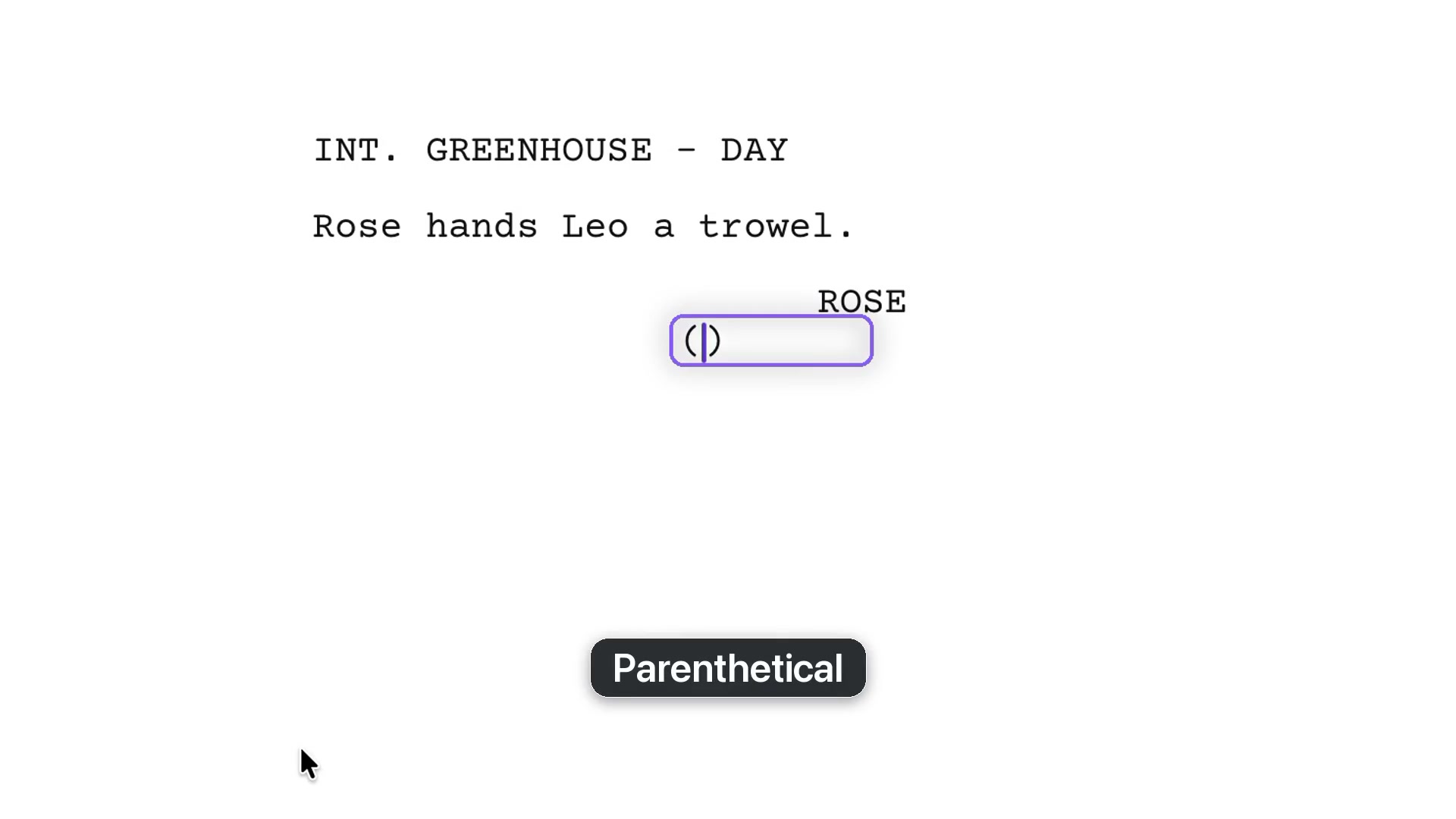
- Press Tab for a Parenthetical, then type gently inside the supplied brackets.
- Press Tab for Dialogue and write her line.
Let the next element follow naturally
Return at the end of a speech takes you back to Action. Tab from Action creates a Character element. Begin typing an established character’s name and choose the suggestion. If no parenthetical is needed, Return after the Character goes directly to Dialogue.
The Element box in the bottom bar tells you the current type. You are creating screenplay elements, not using spaces to imitate margins.
Choose on an empty line
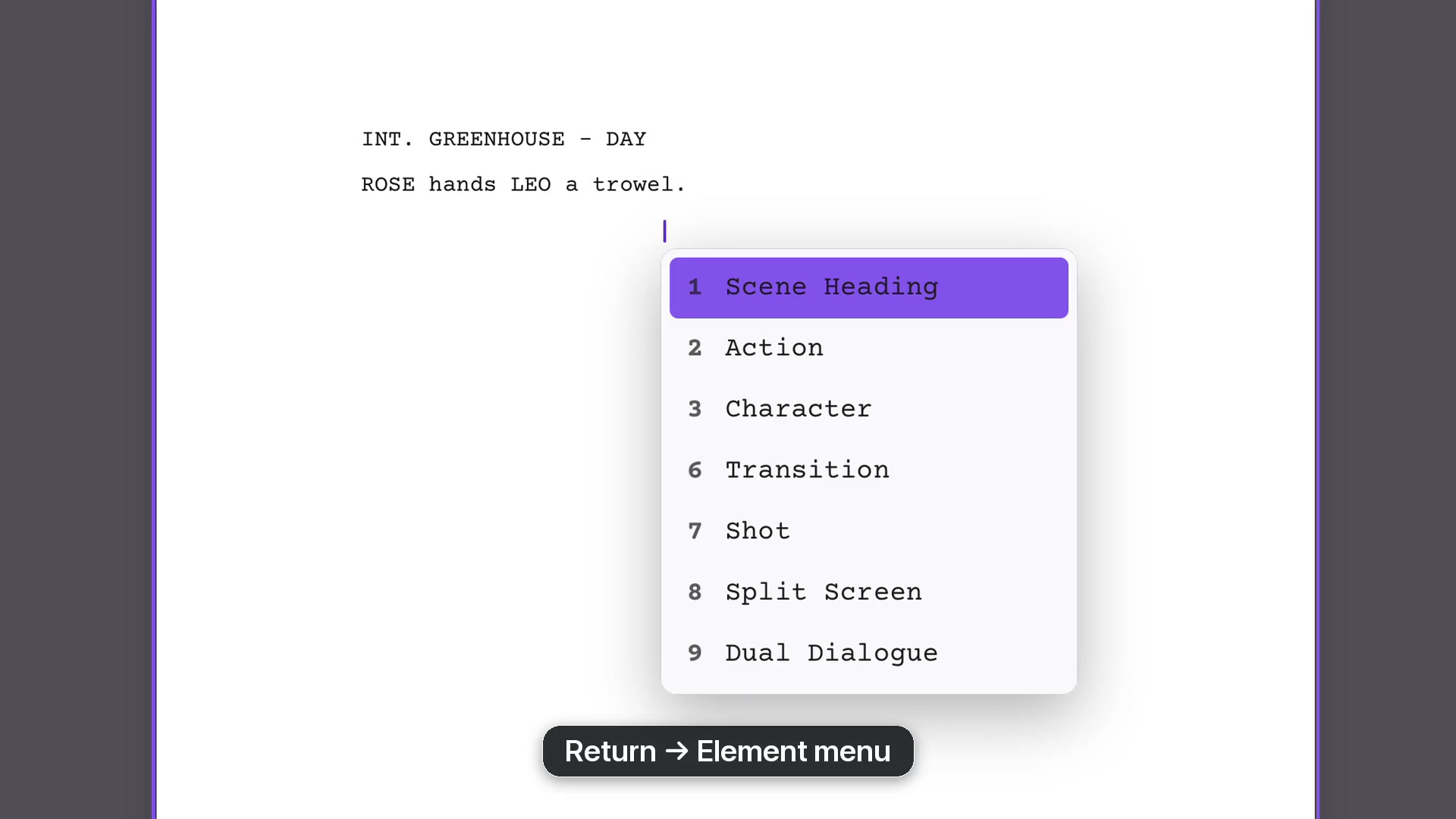
On an empty element, Tab changes its type. Return opens the element menu: click a choice, press its number, or start typing its name. The list is contextual. After a Character, Parenthetical and Dialogue are the relevant choices.
Use Transition for CUT TO:, then Tab into the next Scene Heading. Existing locations appear as suggestions as you begin typing.
Read a format flag
Hover over a flagged line to see the explanation. A first introduction may need capitals in an Action line; correct the text and the flag clears. If a choice is deliberate, Format Review offers Ignore without rewriting your words.