

LESSON 22 · Develop your story
Character List
Bring the characters’ descriptions into a readable list, edit them, and share a clean overview.
1:19 · 1080p · Captions available · Playback starts only when you choose Play.
Write or rewrite descriptions
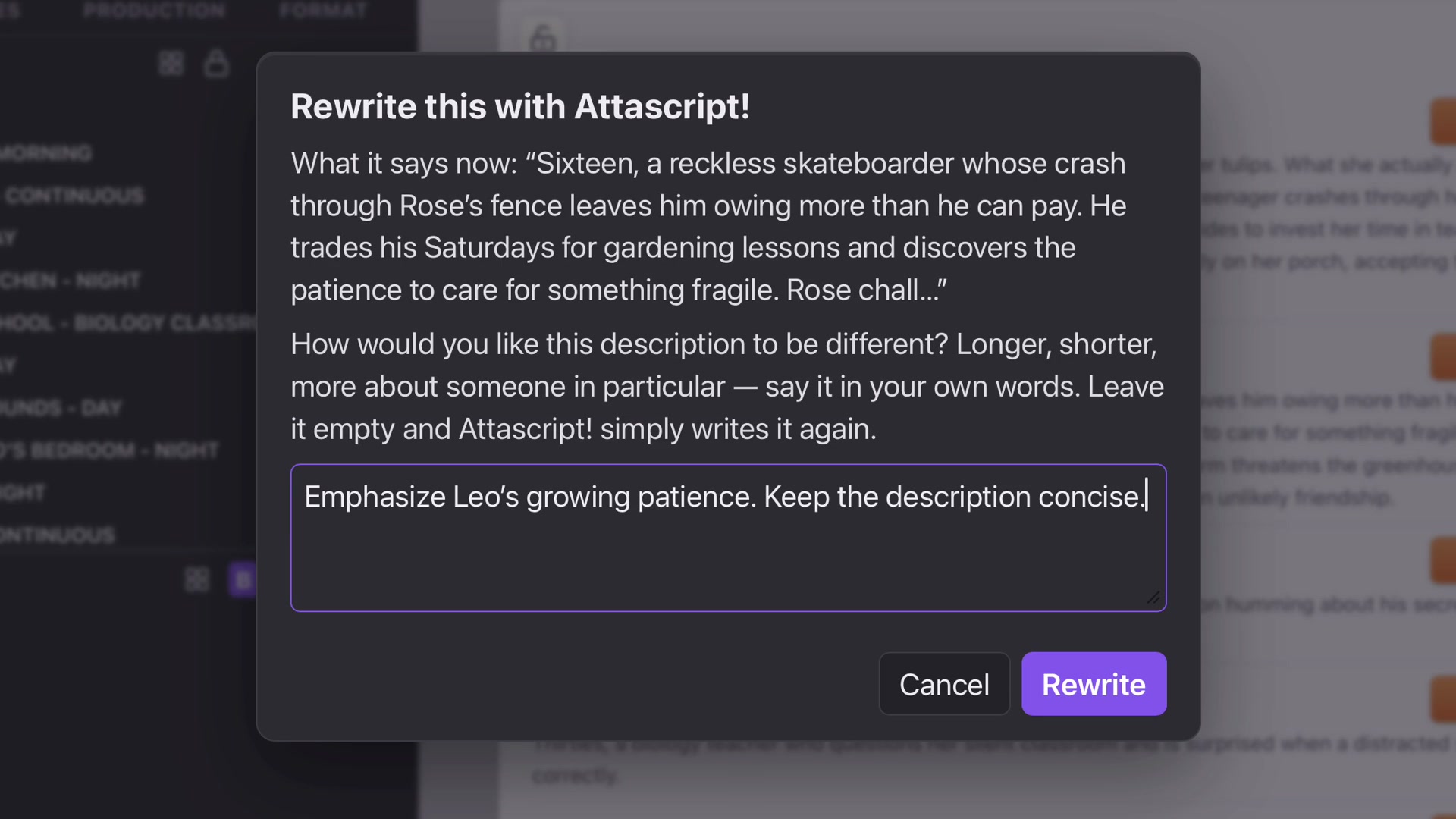
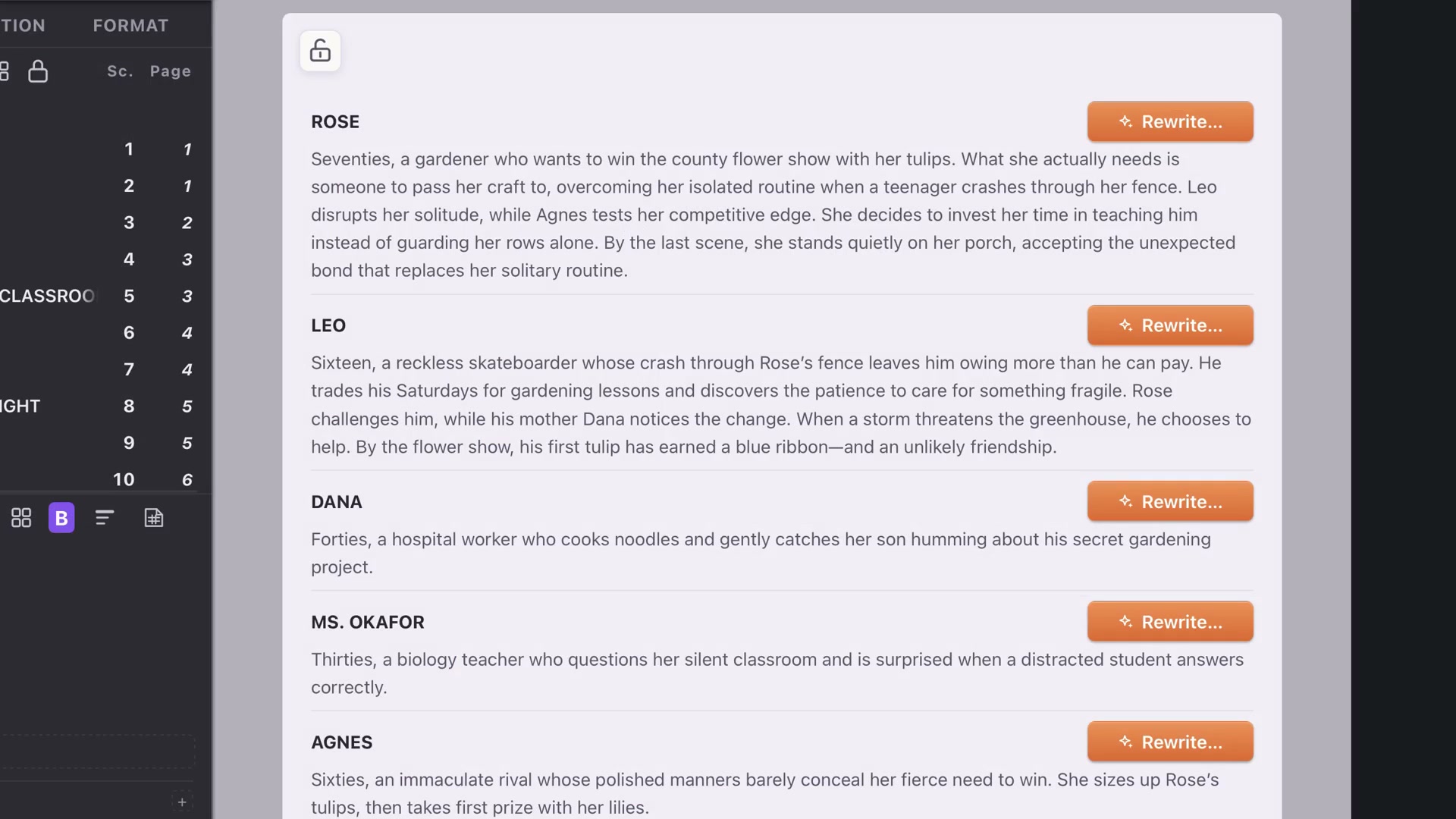
Open Story and Character List. These descriptions are shared with Character Cards. Rewrite All lets you guide length, tone or emphasis across the whole list; cancel to preserve the current set.
Each character also has a Rewrite control, so you can change one description without requesting a new version for everyone.
Edit directly
Click a description and refine it yourself. A useful character overview explains the role in this story, rather than accumulating unrelated biography. In the demonstration, Agnes’s competitive streak becomes more explicit.
Click the character’s name to open the card. The edited description is already there.
Review and export
Lock the list for a read-only presentation with editing controls hidden. Unlock to continue working. Choose Save As, select Character List and save as PDF or Word to share it separately.
Save the Attascript project as well. The export is a delivery copy; the project keeps the material ready for future changes.